
Working from home used to mean a laptop balanced on your knees and a kitchen chair that left your back aching by noon. Today, a well-designed home office is one of the smartest investments you can make in your daily quality of life — and in your home’s resale value.
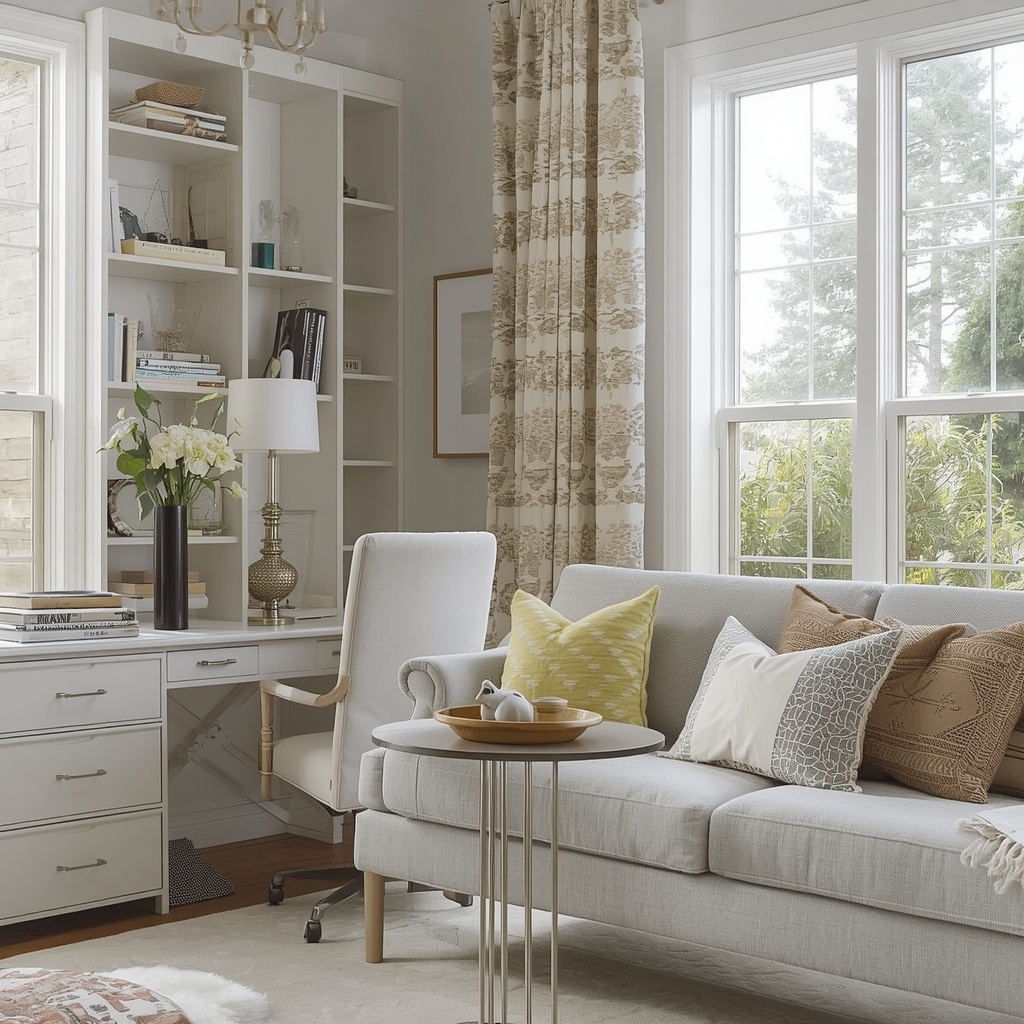
As an interior designer who specializes in home decor for busy American households, I’ve walked into hundreds of “home offices” that were really just closets with a desk crammed inside. The good news? You don’t need a spare room or a massive budget to build a workspace that looks like it belongs in a design magazine and actually helps you get things done. You need intention, a few smart layout choices, and a little bit of design know-how.
This guide walks you through everything: layout, lighting, ergonomic furniture, color psychology, storage, and the finishing decor touches that turn a plain desk setup into a room you want to work in.
Why Your Home Office Design Actually Matters
It’s tempting to think of a home office as purely functional — a place to put a computer. But research on workplace design consistently shows that your physical environment affects focus, mood, and even how long you stay motivated on a task.
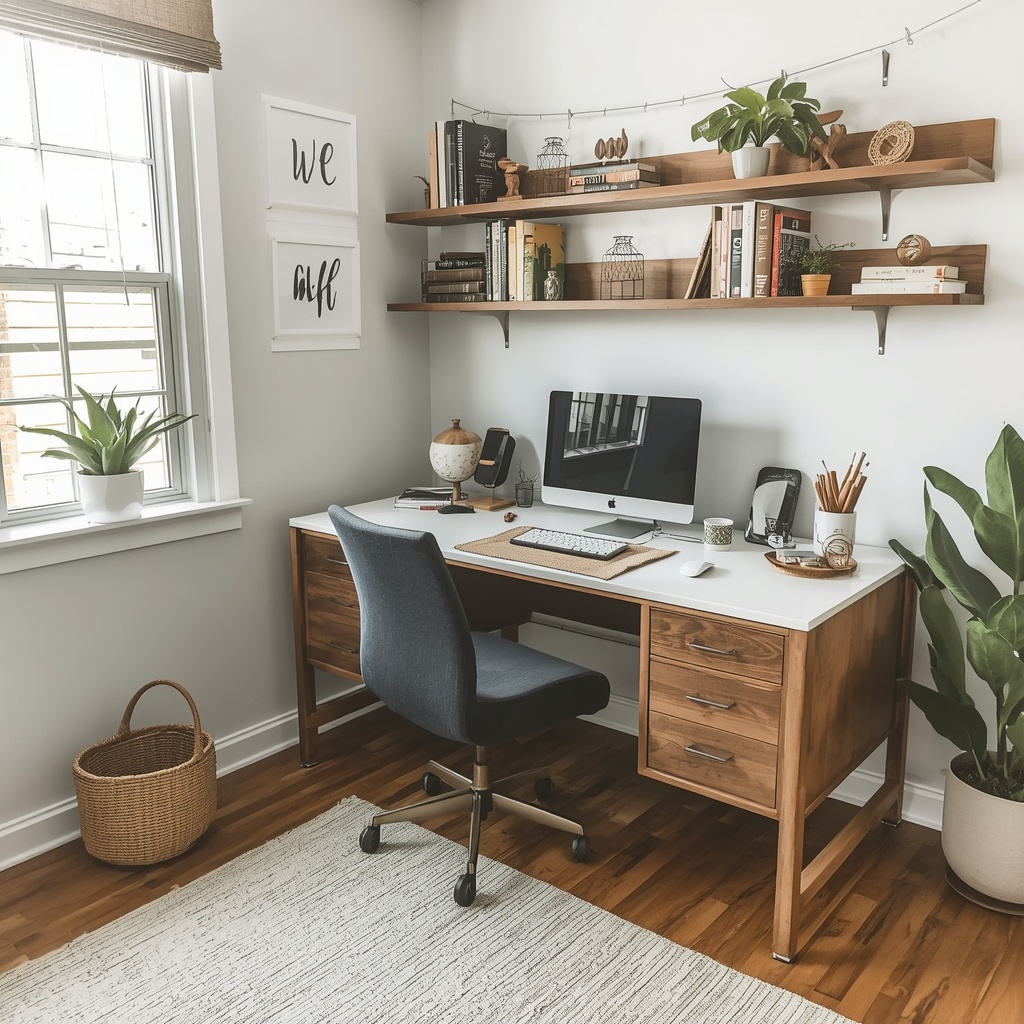
A cluttered, poorly lit, or uncomfortable workspace creates friction before you’ve even opened your laptop. A thoughtfully designed one does the opposite: it removes obstacles between you and deep work, and it makes the hours you spend there feel less like a grind.
“Good design isn’t decoration on top of function — it’s function made effortless. Your workspace should disappear into the background so your best thinking can come forward.”
That’s the mindset behind every recommendation in this guide.
Step 1: Choose the Right Location in Your Home
Before you buy a single piece of furniture, nail down where your office will live. This decision shapes everything else, from natural light to noise control to how easily you can “leave work” at the end of the day.
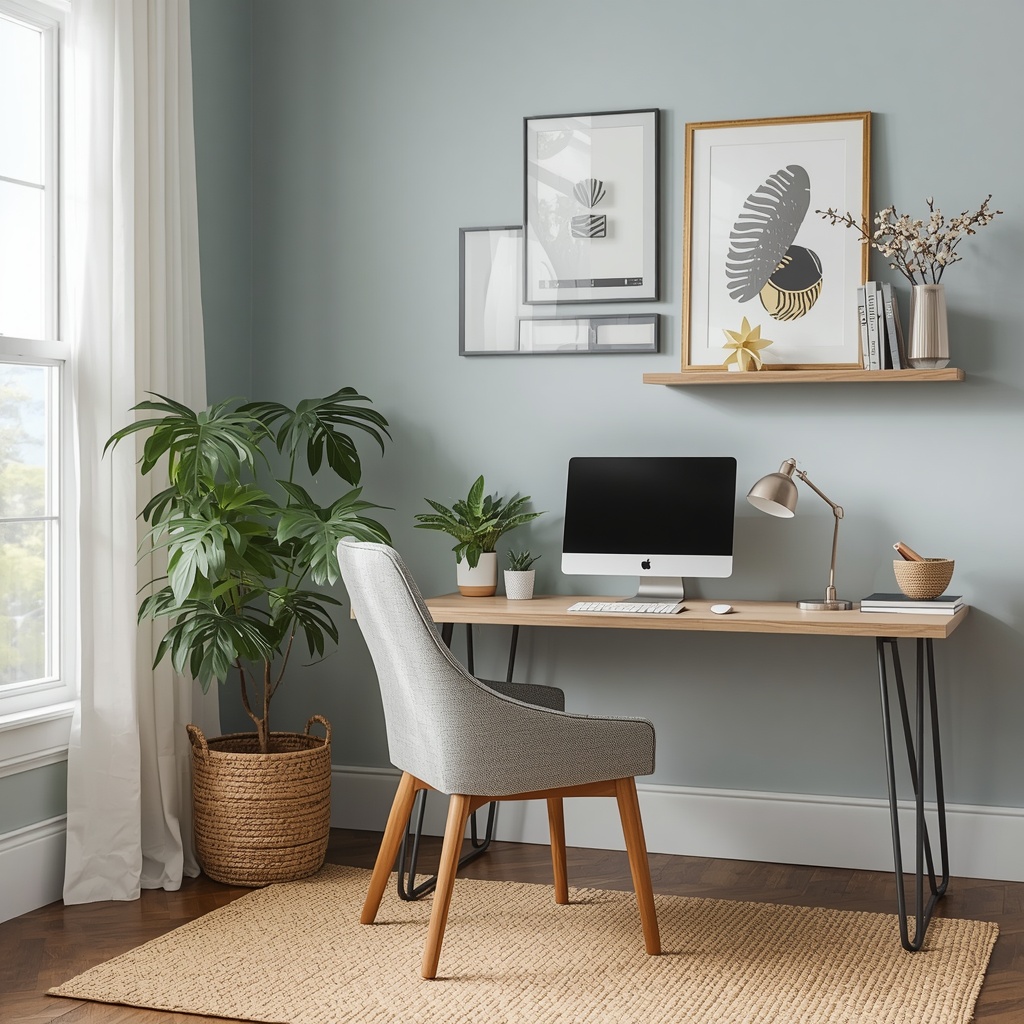
Look for a spot near a window for natural light, away from high-traffic zones like the kitchen or living room. A spare bedroom, a converted closet nook, or even a defined corner of a larger room can all work beautifully if you set boundaries with furniture or a room divider.
Questions to ask before you commit to a location:
- Does this spot get natural daylight for at least part of the day?
- Can I close a door or use a screen to reduce noise and visual distraction?
- Is there enough wall space for storage or a statement piece of art?
- Will family members or roommates walk through this area during work hours?
- Is there access to enough electrical outlets for your equipment?
Step 2: Prioritize Ergonomic, Space-Saving Furniture
Your desk and chair are the backbone of a productive home office, and they’re not the place to cut corners. Poor ergonomics leads to back pain, wrist strain, and afternoon fatigue that no amount of coffee can fix.
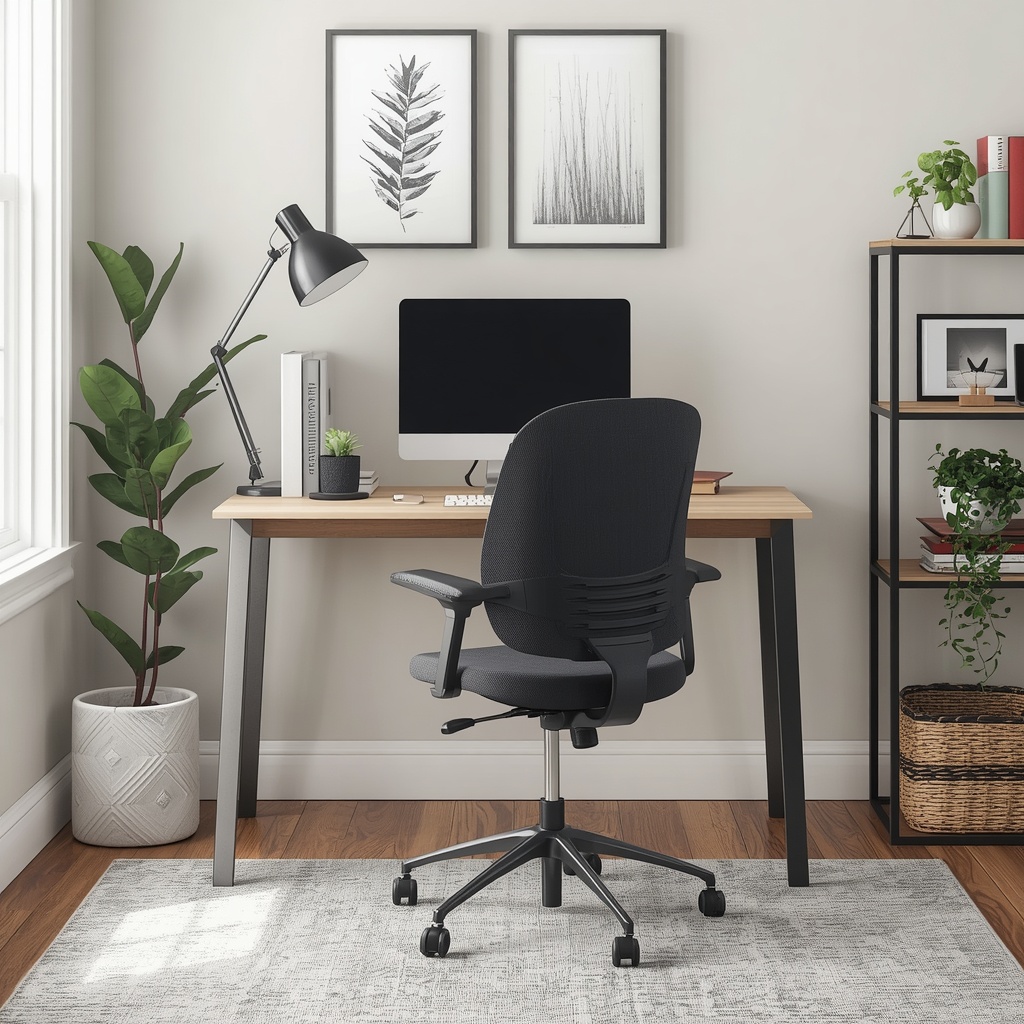
Choose a desk that fits your space without crowding it, and a chair that actually supports your spine for hours at a time — not just something that looked nice in a showroom. If your budget allows, a sit-stand desk is one of the highest-impact upgrades you can make for long-term comfort and energy levels throughout the day.
Recommended Ergonomic Setup
| Element | Ideal Height/Placement | Why It Matters |
|---|---|---|
| Desk surface | Elbow height when seated (28–30 in.) | Prevents shoulder and wrist strain |
| Monitor top | At or slightly below eye level | Reduces neck strain |
| Chair seat | Feet flat on floor, knees at 90° | Supports circulation and posture |
| Keyboard | Wrists straight, not angled up/down | Prevents repetitive strain injury |
| Task lighting | Positioned to avoid screen glare | Reduces eye fatigue |
💡 Pro Tip: If you can only upgrade one piece of furniture this year, make it the chair. You’ll sit in it 6–8 hours a day, and an ergonomic chair pays for itself in comfort and productivity far faster than a trendy desk ever will.
Step 3: Master Your Lighting (It’s More Important Than You Think)
Lighting is the single most underrated element of home office design. Harsh overhead lighting causes eye strain and headaches, while too little light makes a space feel gloomy and drains motivation fast.
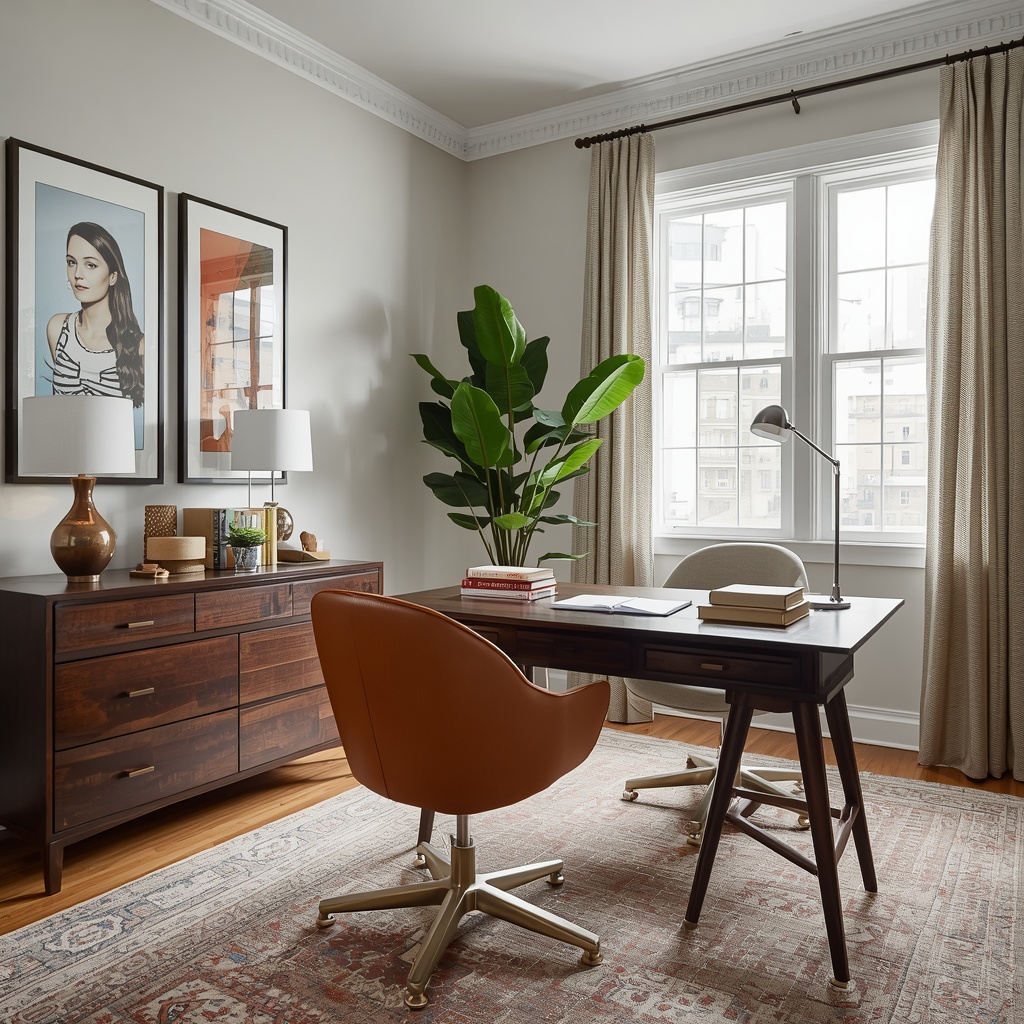
Layer your lighting the way professional designers layer any room: ambient light for overall brightness, task lighting for focused work, and accent lighting for warmth and personality. Aim your desk perpendicular to windows rather than facing them directly, which cuts down on glare while still letting daylight in.
A well-lit home office typically includes:
- Natural light from a nearby window, filtered with sheer curtains if it’s too direct
- An overhead fixture or ceiling light for general ambient brightness
- A dedicated desk lamp with adjustable brightness for close work
- Warm-toned accent lighting (a floor lamp or LED strip) for evenings and video calls
Step 4: Choose a Color Palette That Supports Focus
Color psychology plays a real role in how a room feels to work in. Cool blues and greens tend to promote calm and concentration, while warm neutrals like soft terracotta or warm beige create an inviting, grounded atmosphere. Bright, high-energy colors like red are best used sparingly, if at all, since they can actually raise stress levels during long work sessions.
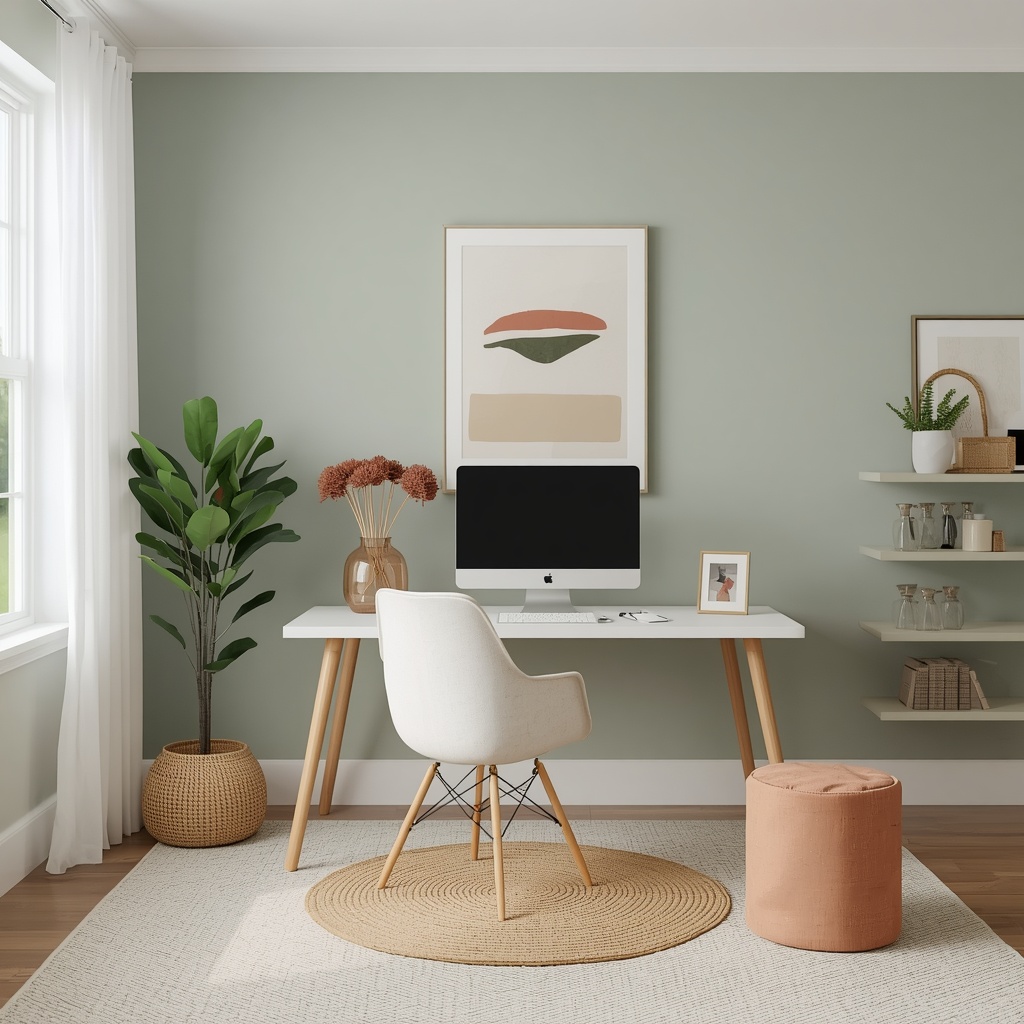
For most home offices, I recommend a neutral or muted base — think warm white, soft sage, or greige — paired with one accent color through decor, art, or a rug. This approach keeps the space feeling professional on video calls while still reflecting your personal style.
| Color | Mood It Creates | Best For |
|---|---|---|
| Soft blue | Calm, focused, clear-headed | Deep work, writing, coding |
| Sage or olive green | Grounded, restorative | Long work sessions, wellness-focused roles |
| Warm white/greige | Clean, versatile, camera-friendly | Video calls, minimalist offices |
| Terracotta or rust accent | Warm, energizing | Creative work, design, small pops of color |
| Charcoal or navy | Sophisticated, moody | Home libraries, evening work zones |
Step 5: Build in Smart Storage and Organization
Visual clutter is cognitive clutter. Studies on attention and workspace design repeatedly point to the same conclusion: the more visible mess in your line of sight, the harder your brain has to work to filter it out before it can focus on the actual task.
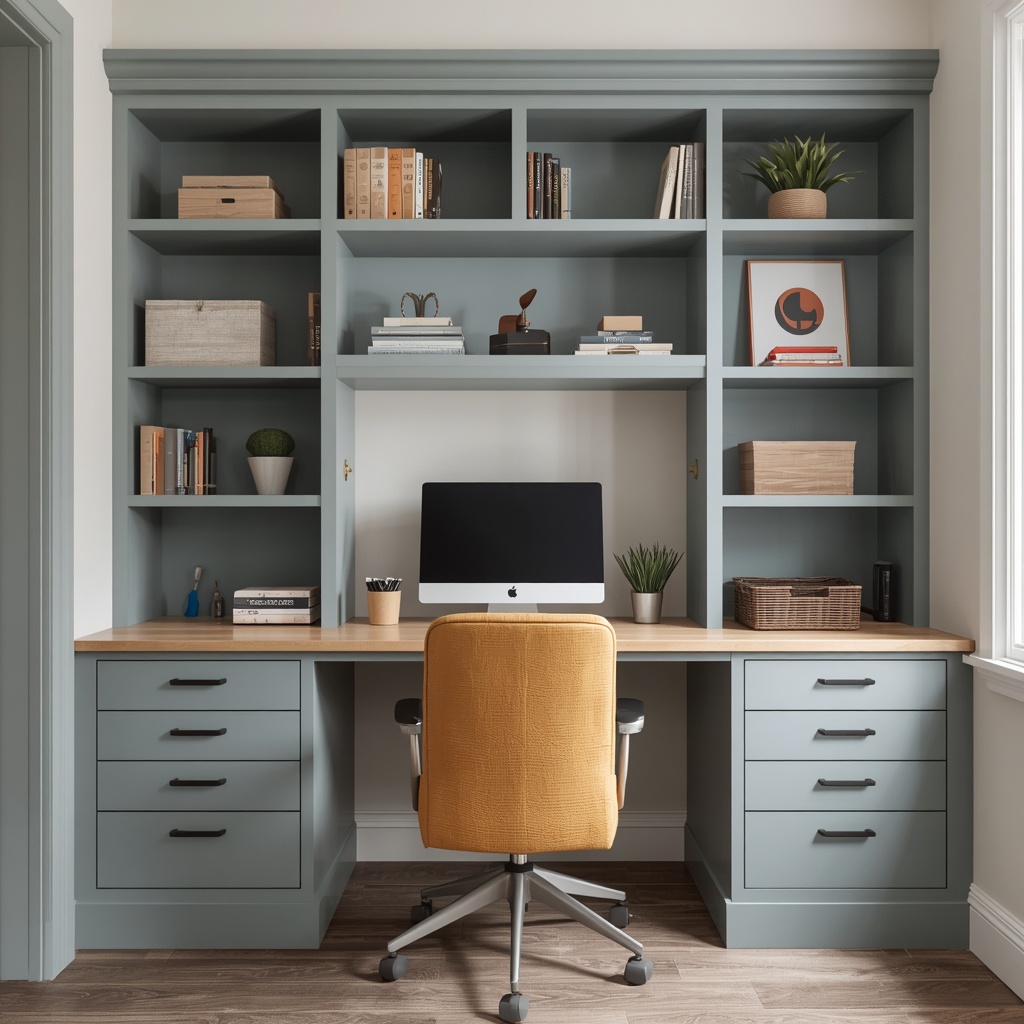
Built-in shelving, closed cabinets, and desktop organizers all help contain the inevitable paperwork, cables, and office supplies that pile up over time. The goal isn’t a sterile, empty desk — it’s a system where everything has a designated home, so surfaces stay clear by default rather than by effort.
Storage solutions worth considering:
- Floating shelves above the desk for books and decor without taking up floor space
- A closed-door cabinet or credenza to hide printers, cords, and supplies
- A cable management tray or clips under the desk to eliminate visual tangle
- Vertical file organizers instead of horizontal stacking trays
- A rolling storage cart for small spaces that need flexibility
💡 Pro Tip: Keep only what you use weekly within arm’s reach. Everything else — archived files, extra supplies, rarely used equipment — belongs in a closed cabinet or another room entirely. A desk with nothing on it but your essentials looks intentional, not empty.
Step 6: Add Personality With Decor (Without Creating Distraction)
A home office shouldn’t feel like a sterile cubicle transplanted into your house. The beauty of designing your own workspace is layering in decor that makes the room feel like yours — as long as it doesn’t compete with your focus.
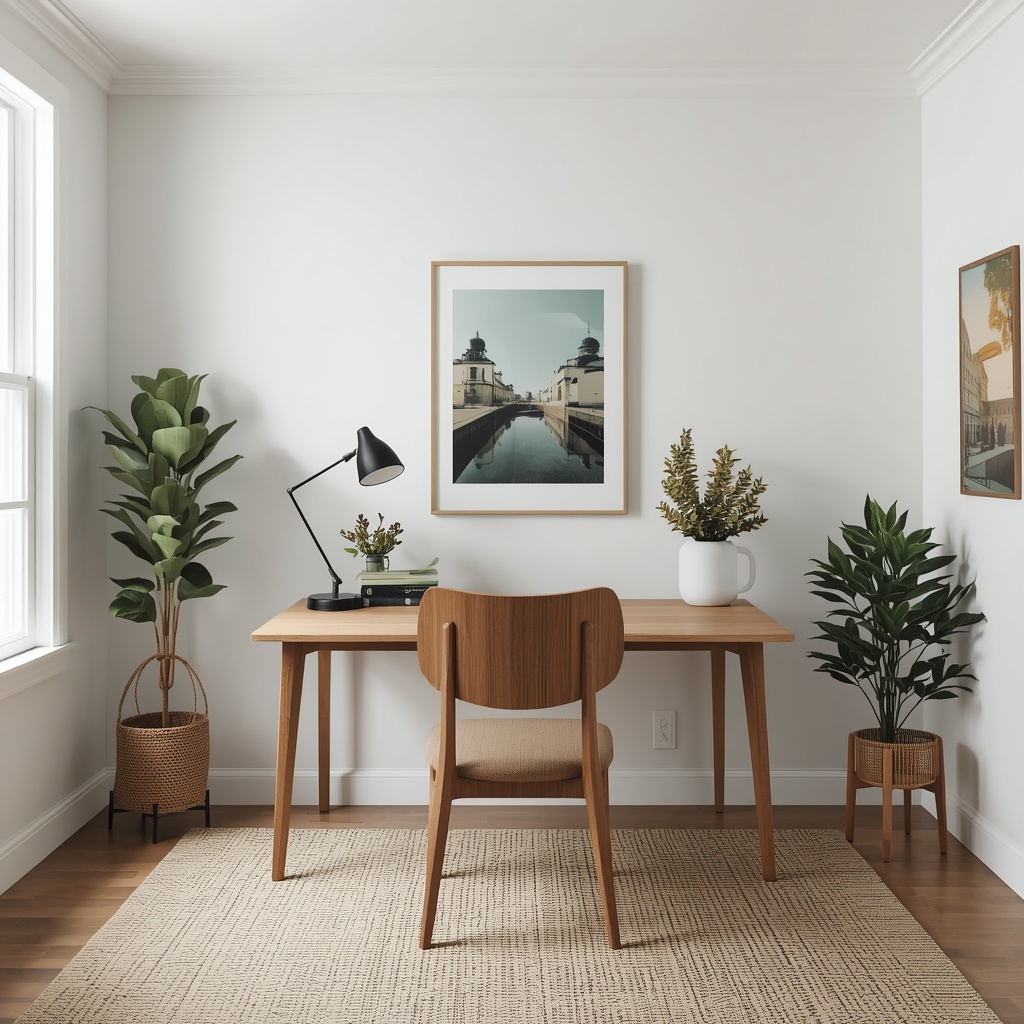
Art, plants, and textiles are the easiest ways to add warmth and personality. A single framed print or gallery wall behind your desk also doubles as a polished backdrop for video calls, which matters more than most people realize now that remote meetings are a daily reality.
Decor elements that elevate a home office:
- One or two statement art pieces or a curated gallery wall
- Low-maintenance plants like pothos, snake plant, or ZZ plant for texture and air quality
- A textured area rug to define the space and add warmth underfoot
- A woven basket or ceramic vessel for cord storage that doubles as decor
- Layered textiles, like a throw on a reading chair, for a lived-in feel
Step 7: Design for Video Calls, Not Just Solo Work
If your job involves regular video meetings, your background is now part of your professional presentation. Position your desk so the camera captures a curated slice of the room — a bookshelf, a piece of art, a plant — rather than a blank wall or, worse, a cluttered closet door.
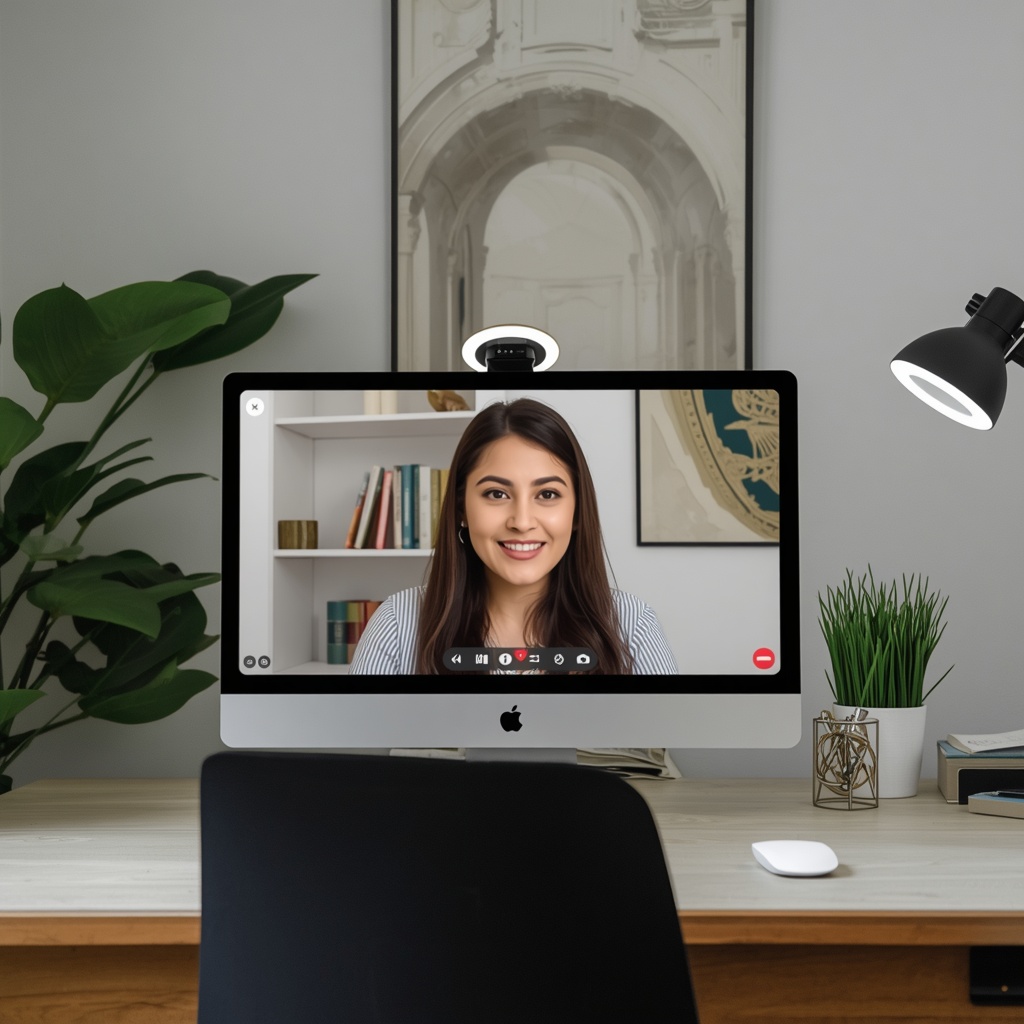
Keep the frame simple: one or two intentional focal points read as put-together, while five competing objects read as busy and distracting on camera. A small clip-on ring light near your monitor can also dramatically improve how you look on calls without needing to redo your entire lighting setup.
Step 8: Layout Ideas Based on Your Space
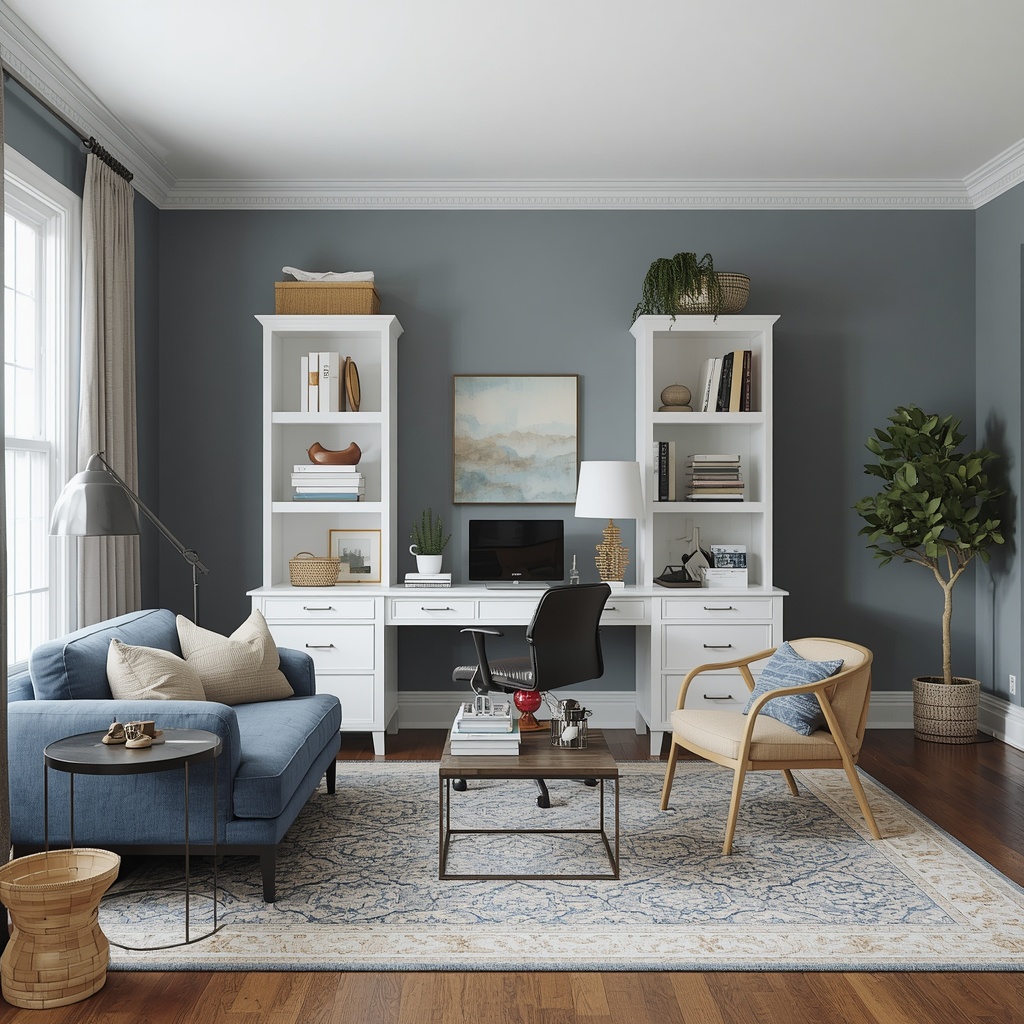
Not every home office has the luxury of a full spare room, and that’s completely fine. Here’s how to adapt these principles to different square footages.
| Space Type | Layout Strategy | Key Furniture Picks |
|---|---|---|
| Spare bedroom | Desk facing into the room, storage wall behind | Full desk, bookshelf, accent chair |
| Closet nook | Fold-down or slim desk, vertical shelving | Wall-mounted desk, floating shelves |
| Living room corner | Room divider or bookshelf to define zone | Compact desk, storage ottoman |
| Bedroom shared space | Desk positioned away from bed’s sightline | Slim desk, closed-storage cabinet |
| Basement or garage conversion | Layered lighting to offset lack of windows | Full lighting kit, area rug for warmth |
A Quick Home Office Setup Checklist
Before you call your space finished, run through this list:
- [ ] Desk and chair fit ergonomic height guidelines
- [ ] Lighting is layered (ambient, task, and accent)
- [ ] Color palette supports focus and looks good on camera
- [ ] Storage is closed or organized, not stacked in open piles
- [ ] Cables are managed and out of sight
- [ ] At least one plant or piece of art adds personality
- [ ] Video call background is intentional and uncluttered
- [ ] Space has a clear boundary between “work” and “home”
Final Thoughts: Function First, Beauty Close Behind
The best home offices aren’t the ones that look perfect in a single photo — they’re the ones you actually want to sit down in every morning. When ergonomics, lighting, and storage are dialed in, the beautiful part becomes easy to layer on top, one plant, lamp, or gallery wall at a time.
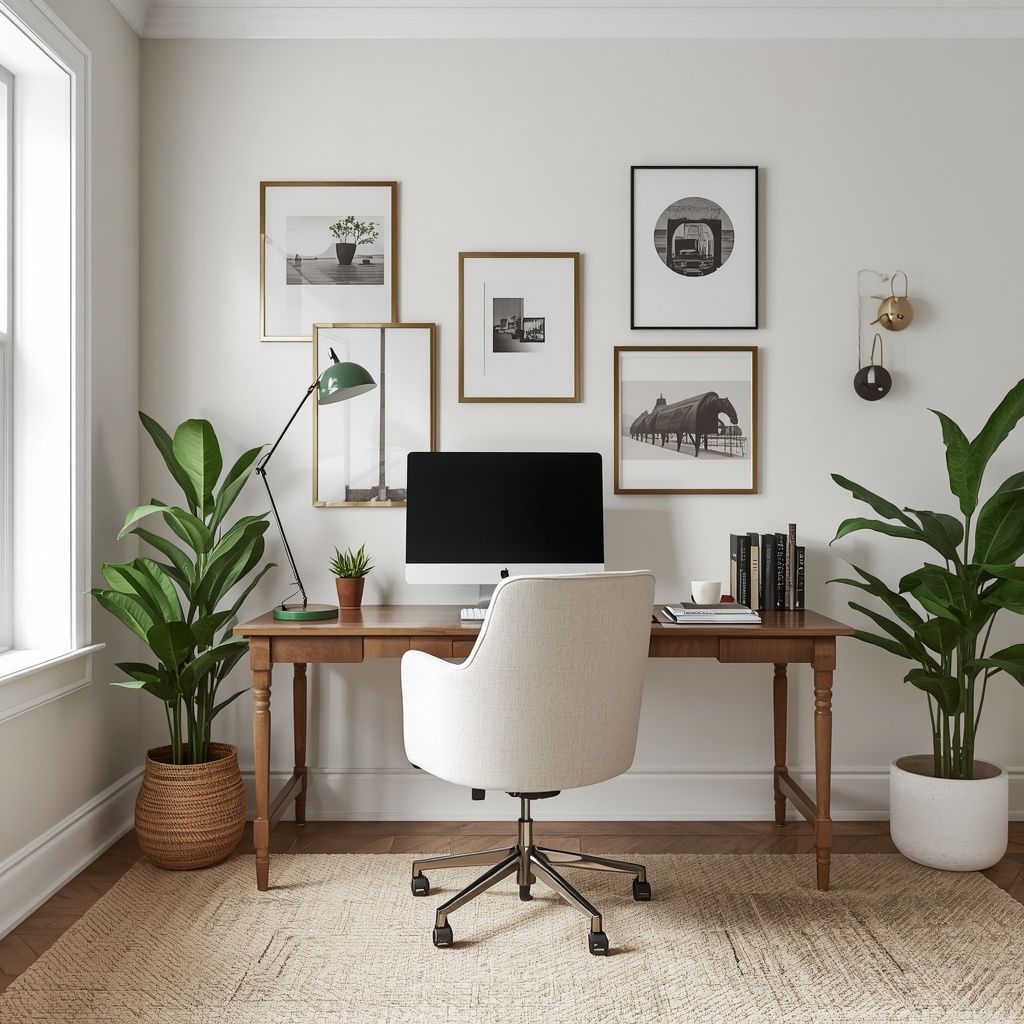
Start with the bones: a supportive chair, a desk at the right height, and light that doesn’t fight you by 3 p.m. Then let your personality fill in the rest. A home office designed this way doesn’t just support your work — it supports you, day after day.