
Working from a kitchen table or a cramped corner desk might get the job done, but it rarely does your body — or your living room — any favors. As more Americans continue hybrid and remote work schedules, the home office has become one of the most important rooms in the house. Yet too many people treat ergonomics and aesthetics as competing priorities, as if a supportive chair has to look like it belongs in a hospital waiting room.
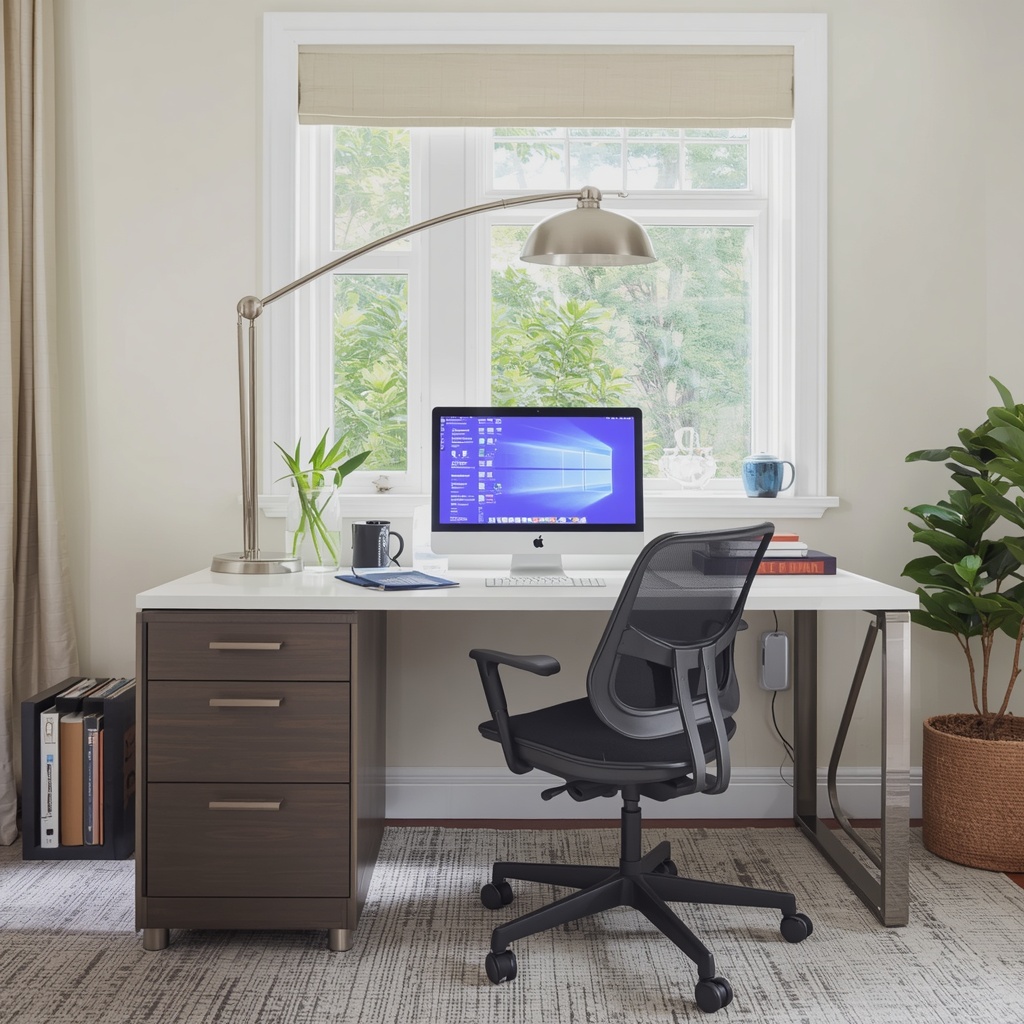
It doesn’t have to be that way. As an interior designer who specializes in home decor, I can tell you that the best workspaces are the ones where good posture and good taste share the same square footage. Below, I’ll walk you through how to build a home office that supports your spine, sharpens your focus, and still photographs beautifully for your next dinner party tour.
Why Ergonomics Deserves a Permanent Seat at the Design Table
Ergonomics is the science of designing spaces and objects to fit the human body, reducing strain and preventing injury over time. In a workspace, that means your desk height, chair support, monitor placement, and even your lighting all work together to keep you comfortable through an eight-hour workday. Ignore these fundamentals, and you’re signing up for back pain, wrist strain, and the kind of fatigue that no amount of scented candles can fix.
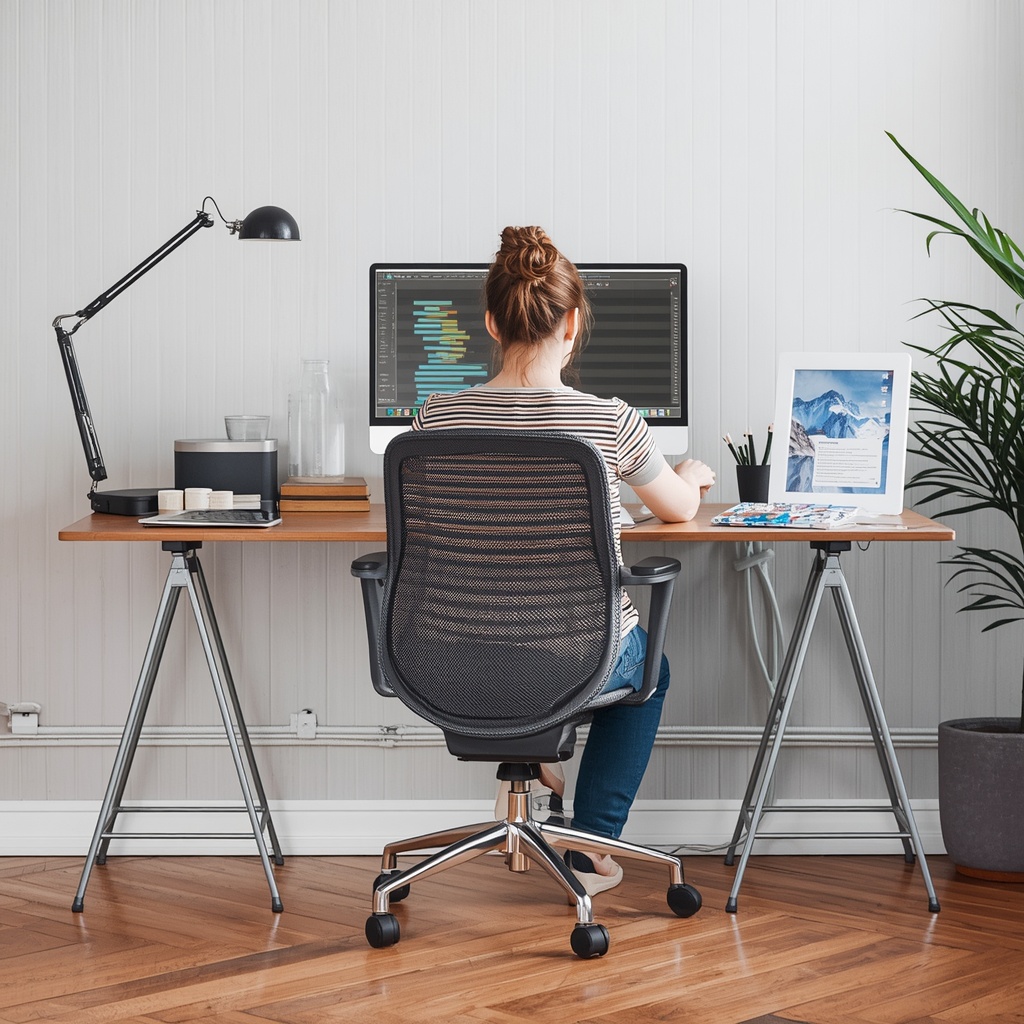
The good news is that ergonomic principles and interior design principles overlap more than you’d think. Both are about proportion, balance, and function. A chair that supports your lumbar spine can also anchor a room’s color palette. A desk sized correctly for your height can double as a striking centerpiece. When you start thinking of ergonomics as a design constraint rather than an obstacle, the creative possibilities actually expand.
“Good design is a line where function meets feeling,” says furniture designer Yves Béhar. “A workspace should support your body first, then express who you are.”
Start With the Bones: Desk and Chair Fundamentals
Before you shop for accent pieces or wall art, get the foundational furniture right. Your desk and chair are the two pieces you’ll interact with most, so they deserve the biggest share of your budget and attention.
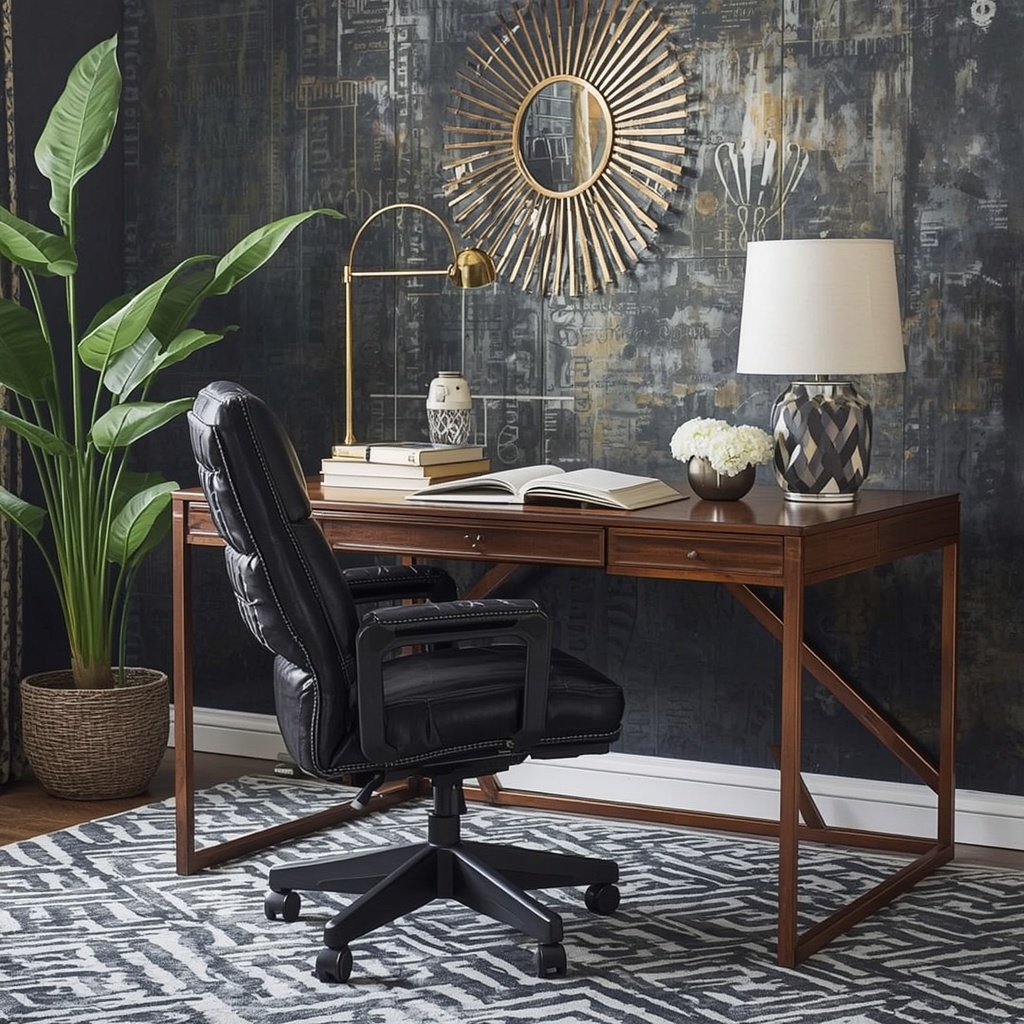
Here’s a quick reference for getting your core furniture dimensions right:
| Element | Ergonomic Guideline | Style Tip |
|---|---|---|
| Desk height | 28–30 inches for most adults | Choose a slim profile or glass top to visually lighten the room |
| Chair seat height | Feet flat, knees at 90 degrees | Match upholstery to your existing color scheme |
| Monitor top | At or just below eye level | Use a floating shelf or riser that matches your wood tones |
| Keyboard position | Elbows at 90 degrees, wrists neutral | Opt for slim, low-profile keyboards in matte finishes |
| Chair lumbar support | Fits the natural curve of your lower back | Look for boucle, leather, or performance fabric options |
If your current desk is a hand-me-down that’s too tall or too short, an adjustable standing desk converter is one of the highest-impact upgrades you can make. Many now come in walnut, white oak, or matte black finishes that read as furniture, not equipment.
Pro Tip: When shopping for an ergonomic chair, sit in it for at least ten minutes before deciding. Showroom comfort and workday comfort are two very different things, and a chair that feels fine for a quick test often reveals pressure points after hour three.
Layer in Lighting Like You Would a Living Room
Lighting is where most home offices fall flat, both literally and stylistically. Harsh overhead light causes eye strain and glare on screens, while dim, moody lighting — however Instagram-worthy — makes it hard to focus during a video call or read fine print on a document. The fix is layered lighting, the same principle designers use in every other room of the house.
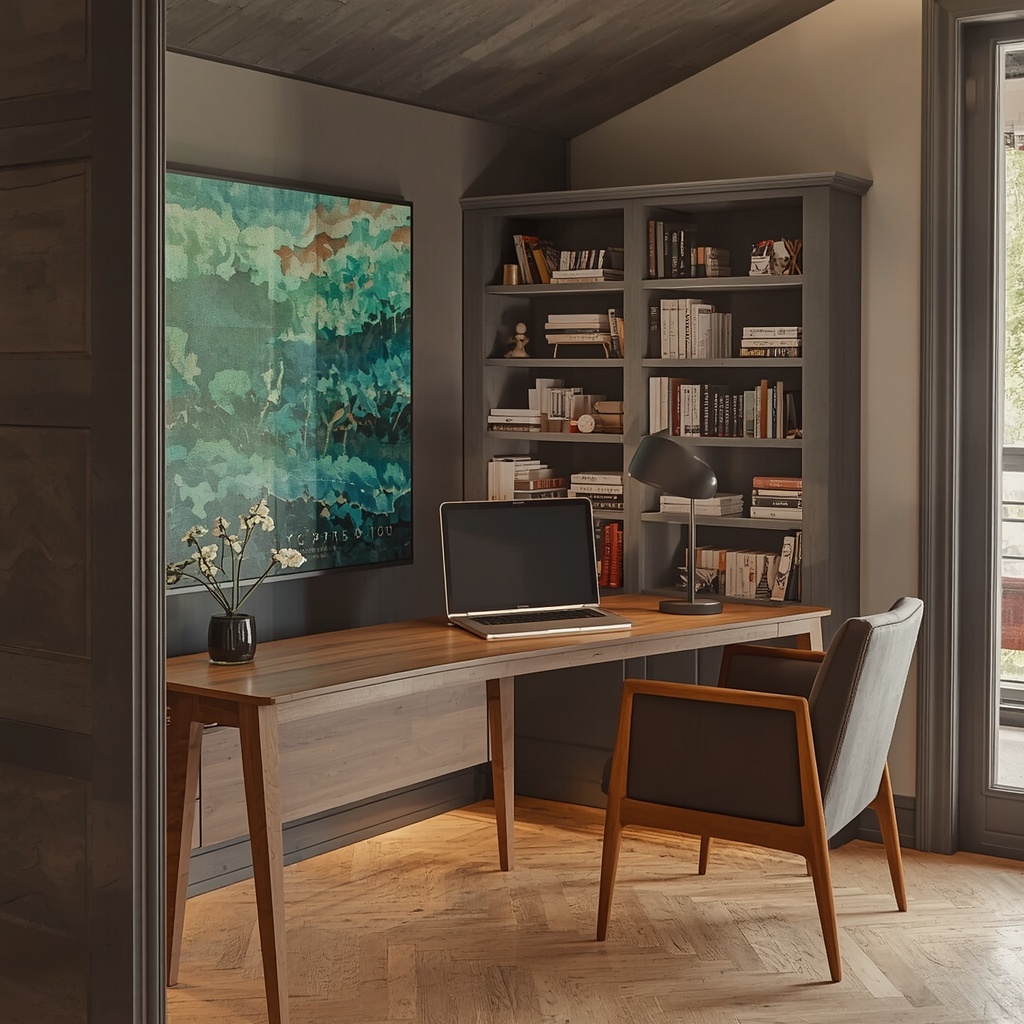
Aim for three light sources: ambient light from a ceiling fixture or floor lamp, task light from an adjustable desk lamp, and natural light from a window, positioned to the side of your monitor rather than behind or in front of it. This trio reduces eye fatigue while giving the room dimension and warmth, the same way a living room feels flatter with a single overhead bulb than it does with a lamp, a sconce, and a candle glowing on the shelf.
Semantic keywords worth keeping in mind as you shop: color temperature, glare reduction, task lighting, adjustable desk lamps, and daylight-balanced bulbs. Look for bulbs in the 3000K–4000K range for a natural, focus-friendly glow that still feels residential rather than clinical.
Organize Vertically to Protect Both Your Back and Your Floor Plan
Clutter is an ergonomic hazard as much as a visual one. Reaching, twisting, and bending to grab supplies throughout the day adds up to real strain, especially in small home offices where every surface tends to collect stray cables and coffee mugs. Vertical storage solves both problems at once.
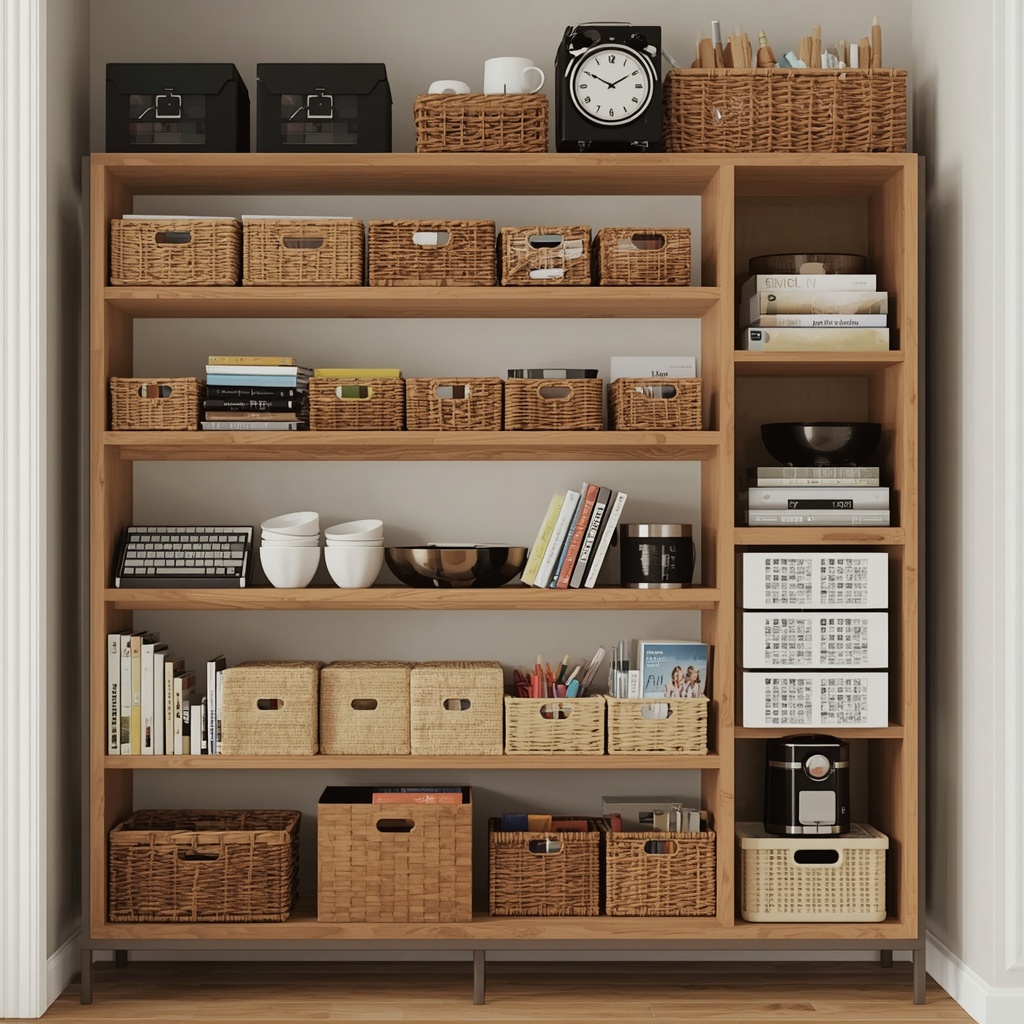
Consider these space-saving, spine-saving solutions:
- Floating wall shelves positioned within easy arm’s reach
- A slim filing cabinet that doubles as a side table
- Pegboard organizers finished in a color that matches your trim
- Cable management trays mounted under the desk to eliminate floor clutter
- A closed cabinet for supplies you don’t need daily, keeping visual noise low
Vertical organization keeps frequently used items close without forcing you to hunch or overreach, and it frees up your floor plan for a rug, an accent chair, or whatever finishing touch makes the room feel like yours instead of a cubicle.
Choose Materials and Colors That Support Focus
Color psychology plays a real role in productivity, and it’s worth treating your workspace palette with the same intention you’d bring to a bedroom or kitchen. Soft blues and greens tend to support calm concentration, while warm neutrals like taupe, cream, and terracotta create a grounded, welcoming feel without tipping into sterile. Reserve saturated, high-energy colors like bright red or orange for small accents rather than large surfaces, since they can heighten alertness to the point of distraction over a long workday.
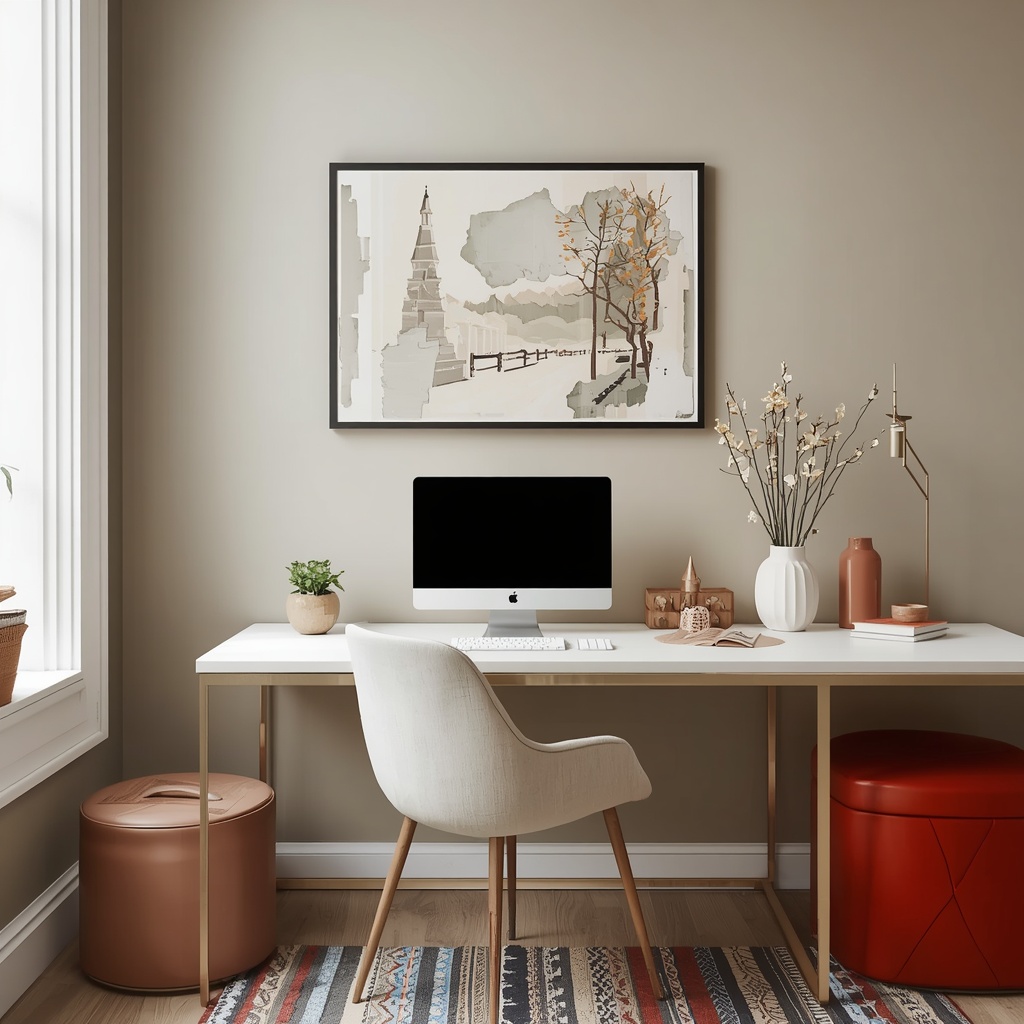
Material choice matters just as much as color. Natural materials — wood, linen, wool, stone — tend to reduce visual fatigue compared to high-gloss plastics and can make a technical, gadget-heavy desk setup feel warmer and more intentional. A walnut desk with a linen task chair simply feels more inviting than a glossy laminate unit with a mesh-and-plastic seat, even if the underlying ergonomics are identical.
Pro Tip: If you’re working with a small footprint, choose furniture with visible legs rather than solid, boxy bases. Exposed legs let light travel underneath, which makes even a compact desk and chair combination feel less cramped in a shared room.
Don’t Forget the Details That Make It Feel Like Home
An ergonomic workspace shouldn’t look like a showroom for office supply catalogs. The pieces that make a room feel personal — art, textiles, plants — also serve real ergonomic functions when chosen thoughtfully.
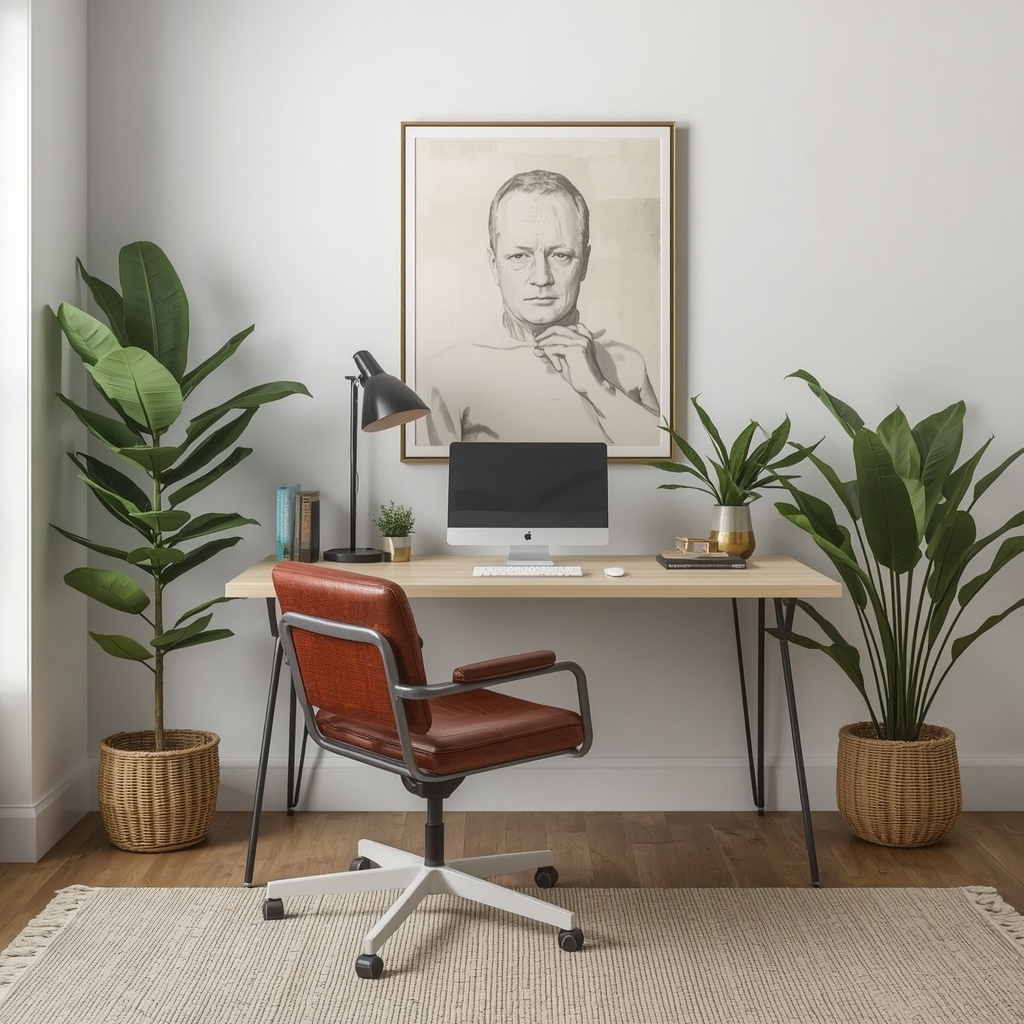
A few ideas that pull double duty:
- Artwork at eye level gives your eyes a periodic break from the screen, encouraging the short visual rest breaks ophthalmologists recommend every 20 minutes.
- A textured area rug softens hard flooring, which matters if you’re standing at an adjustable desk for part of the day.
- Live plants improve air quality and have been linked in workplace studies to modest reductions in reported stress and fatigue.
- A footrest disguised as a stylish ottoman supports proper leg positioning while adding a soft, layered look to the room.
These details are where the “home” in home office really comes through, and they’re proof that comfort and character aren’t mutually exclusive.
Common Ergonomic Mistakes to Avoid
Even well-intentioned home offices tend to repeat the same handful of errors. Watch for these:
| Mistake | Why It Hurts | Easy Fix |
|---|---|---|
| Laptop used without a stand | Forces neck down, straining cervical spine | Add a laptop riser and external keyboard |
| Chair too low or too high | Misaligns hips, knees, and wrists | Adjust seat height so feet sit flat on the floor |
| Desk against a window with glare | Causes squinting and eye strain | Angle desk perpendicular to windows |
| No back support | Leads to slouching and lower back pain | Add a lumbar cushion in a coordinating fabric |
| Overcrowded desktop | Increases reaching and visual clutter | Edit down to daily essentials only |
Fixing even two or three of these issues can noticeably reduce end-of-day fatigue, and none of them require a full room renovation.
Bringing It All Together
A workspace that supports your body doesn’t have to sacrifice the design choices that make your home feel like yours. Start with the fundamentals — a properly sized desk, a supportive chair, layered lighting — then build outward with materials, colors, and personal touches that reflect your style. The goal isn’t to choose between form and function; it’s to let each one make the other better.
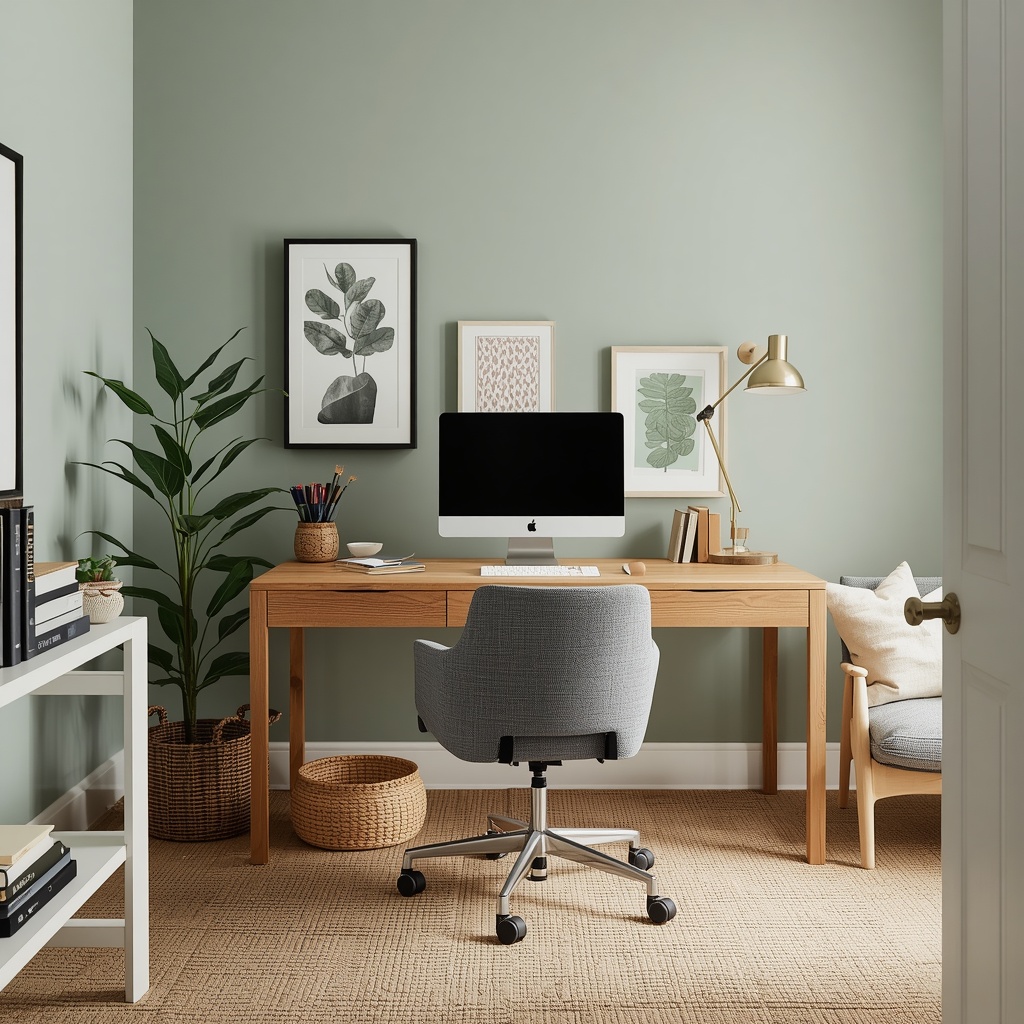
Think of your home office the way you’d think of any other room: as a space that should work hard for you while still looking like it belongs in your home. With the right foundation, a workspace can be every bit as stylish as your living room and considerably kinder to your back.
Ready to start planning? Sketch your current desk setup against the guidelines in the tables above, and note which one or two changes would make the biggest difference this week. Small, deliberate upgrades — a new chair, a repositioned lamp, a vertical shelf — often deliver more comfort than a full redesign.