
Nothing derails a beautifully styled living room faster than a nest of black cords spilling out from behind the TV console, or a Wi-Fi router blinking away on an otherwise gorgeous shelf. As an interior designer who works with US homeowners every week, I can tell you this is one of the most common complaints I hear: “I love my space, but all this tech makes it look cluttered.”
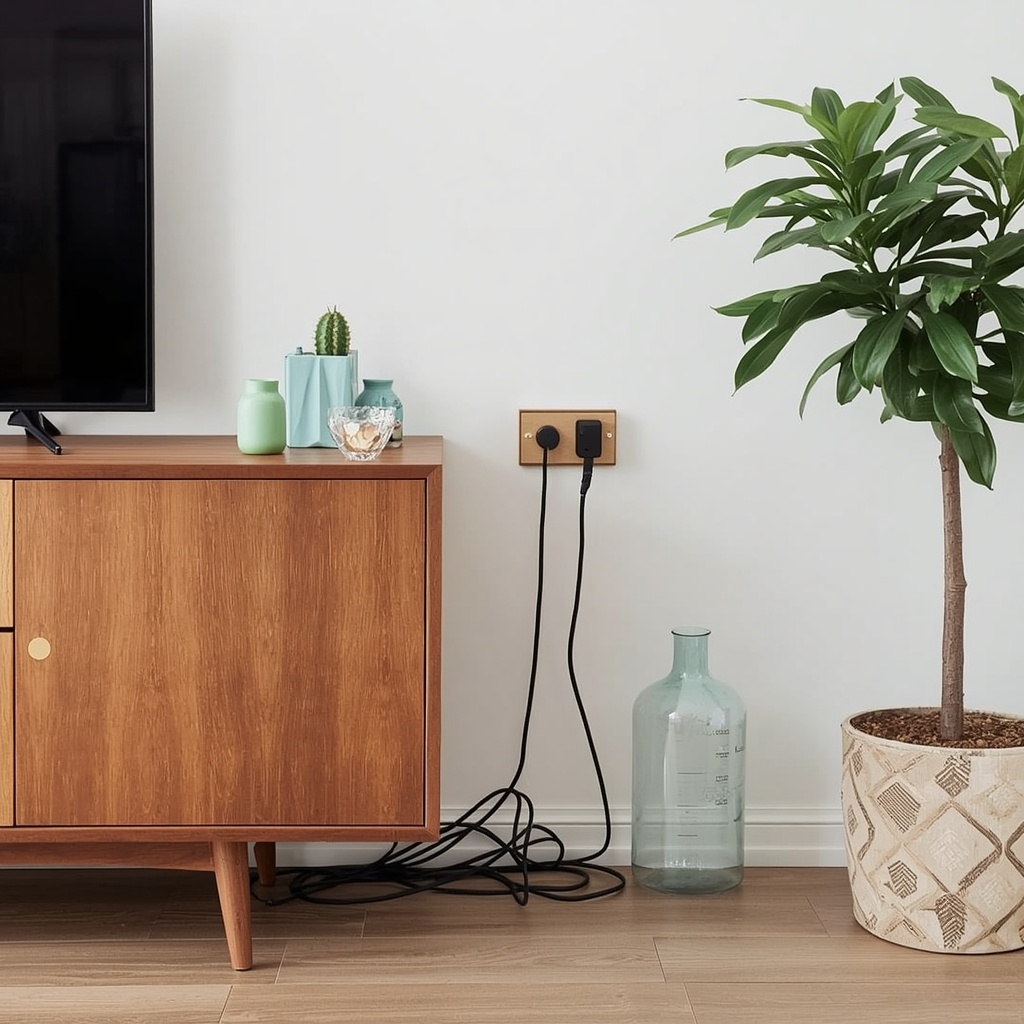
The good news? You don’t have to choose between a smart, connected home and a clean, magazine-worthy interior. With a little planning, the right furniture, and a handful of clever cable management tricks, you can hide TV wires, tame router clutter, and disguise modems, speakers, and gaming consoles so they blend seamlessly into your decor.
This guide walks you through practical, budget-friendly, and designer-approved strategies for hiding home tech and cables in every room of your house.
Why Cable Clutter Hurts Your Home’s Design
Visible cords and blinking electronics do more than look messy — they disrupt the visual flow of a room. Our eyes are naturally drawn to lines, and tangled wires create chaotic, distracting lines that pull attention away from your furniture, artwork, and architecture.
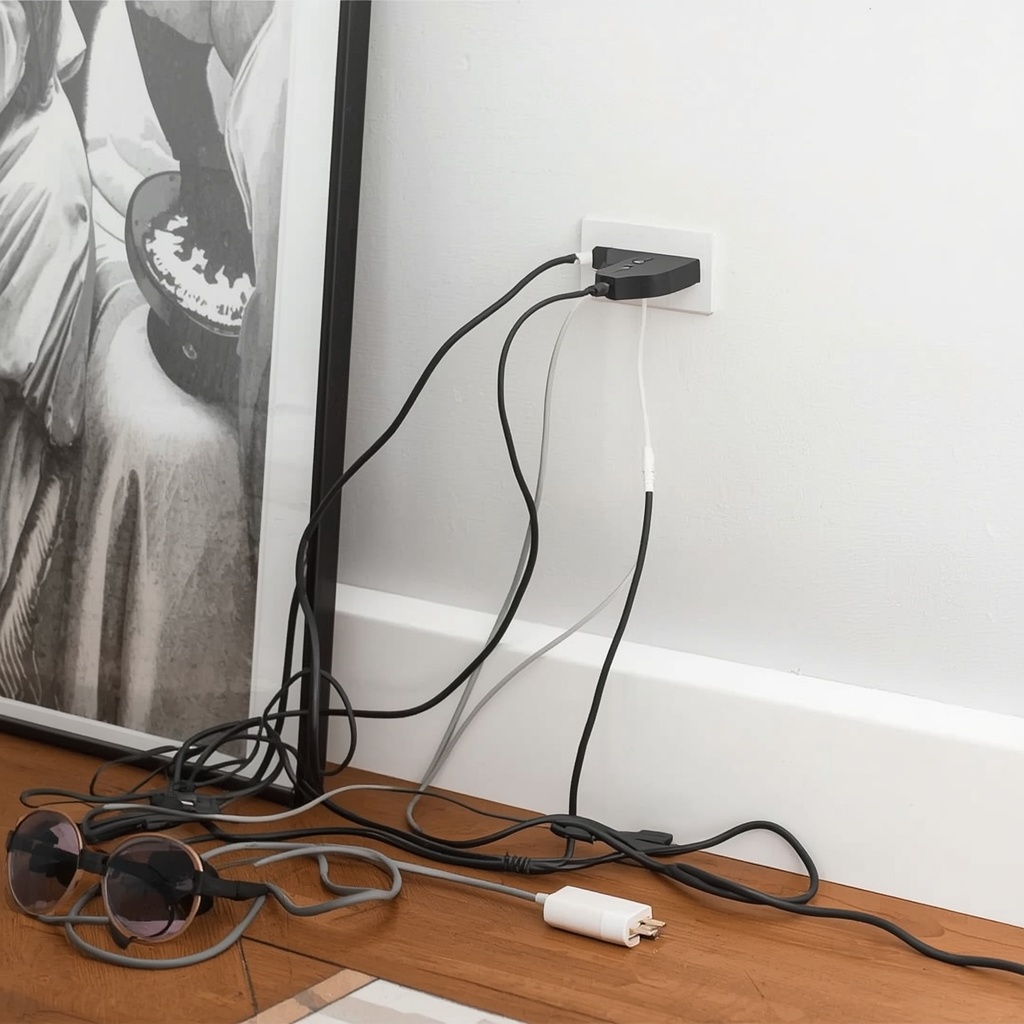
Cable clutter can also make a room feel smaller and less finished, even if everything else is thoughtfully designed. A well-curated space relies on clean sightlines, and exposed technology is often the one detail standing between “nice” and “wow.”
“A room is only as calm as its busiest corner. Hide the cords, and you instantly quiet the whole space.” — a principle I share with nearly every client during a design consultation.
Beyond aesthetics, tangled cables are a practical hazard. They collect dust, attract pet hair, pose tripping risks, and make cleaning far more difficult than it needs to be.
Start With a Cable Management Plan
Before buying products or rearranging furniture, take stock of your tech. Walk through each room and note every device that requires a cord: TVs, routers, gaming consoles, speakers, lamps, chargers, and streaming boxes.
Group your findings into three categories — devices you use daily, devices you use occasionally, and devices that could be tucked away entirely. This simple audit helps you decide which cords need instant access and which can be fully concealed.
Quick Cable Audit Checklist
- List every device and its cord length
- Identify the nearest outlet for each item
- Note which cords need frequent access (chargers) vs. rarely (modem resets)
- Decide which items can be relocated into furniture or cabinets
- Measure the distance from device to outlet before buying concealment products
Pro Tip: Always buy cord covers, raceways, and cable sleeves after your final furniture placement — not before. Measuring first prevents you from purchasing products that are too short or too visible once furniture is arranged.
Hiding TV Wires and Entertainment Center Cables
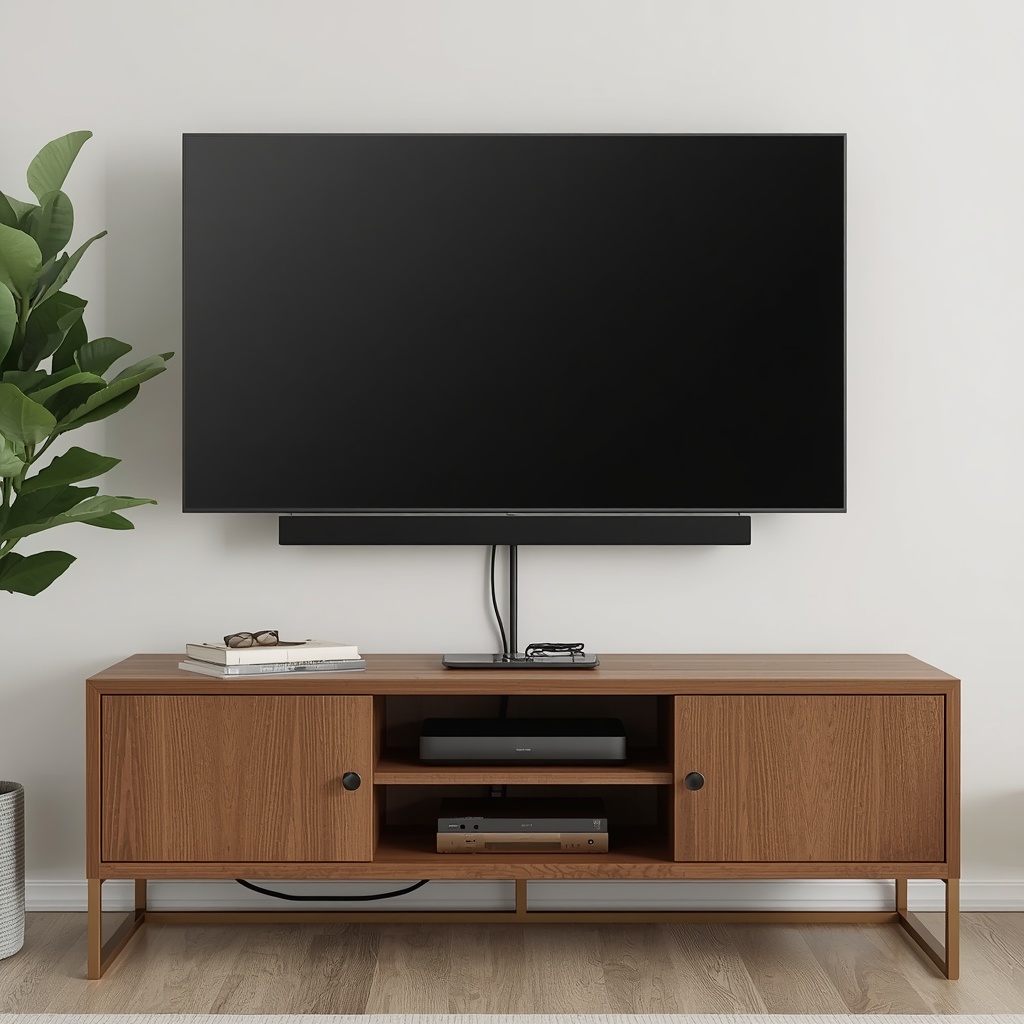
The television is usually the biggest offender in any living room. Between the power cord, HDMI cables, soundbar wires, and streaming device plugs, a wall-mounted TV can quickly look like a spider web without the right setup.
In-Wall Cable Kits
An in-wall cable management kit lets you route cords directly through the wall, from the TV mount down to a hidden outlet near your media console. This is the cleanest, most professional-looking solution, and many electricians can install one in under an hour.
Cord Covers and Raceways
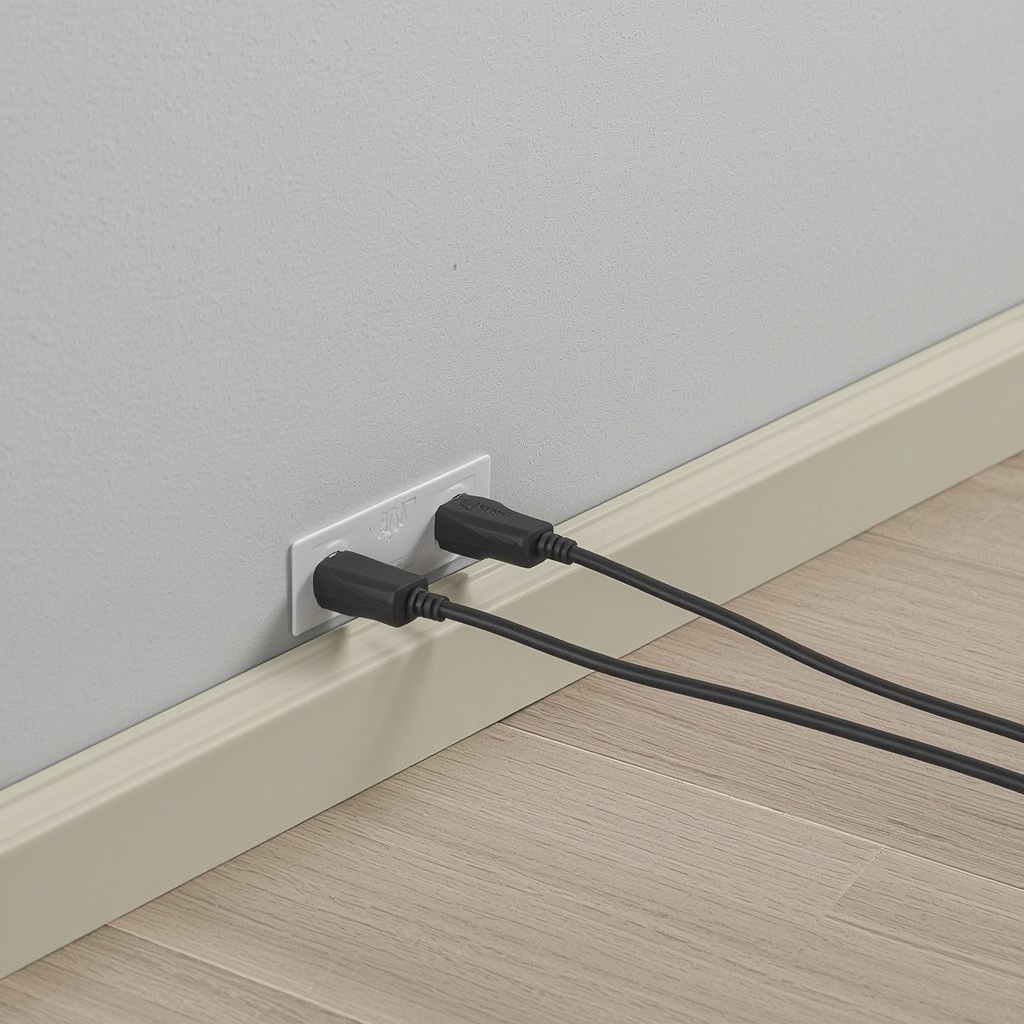
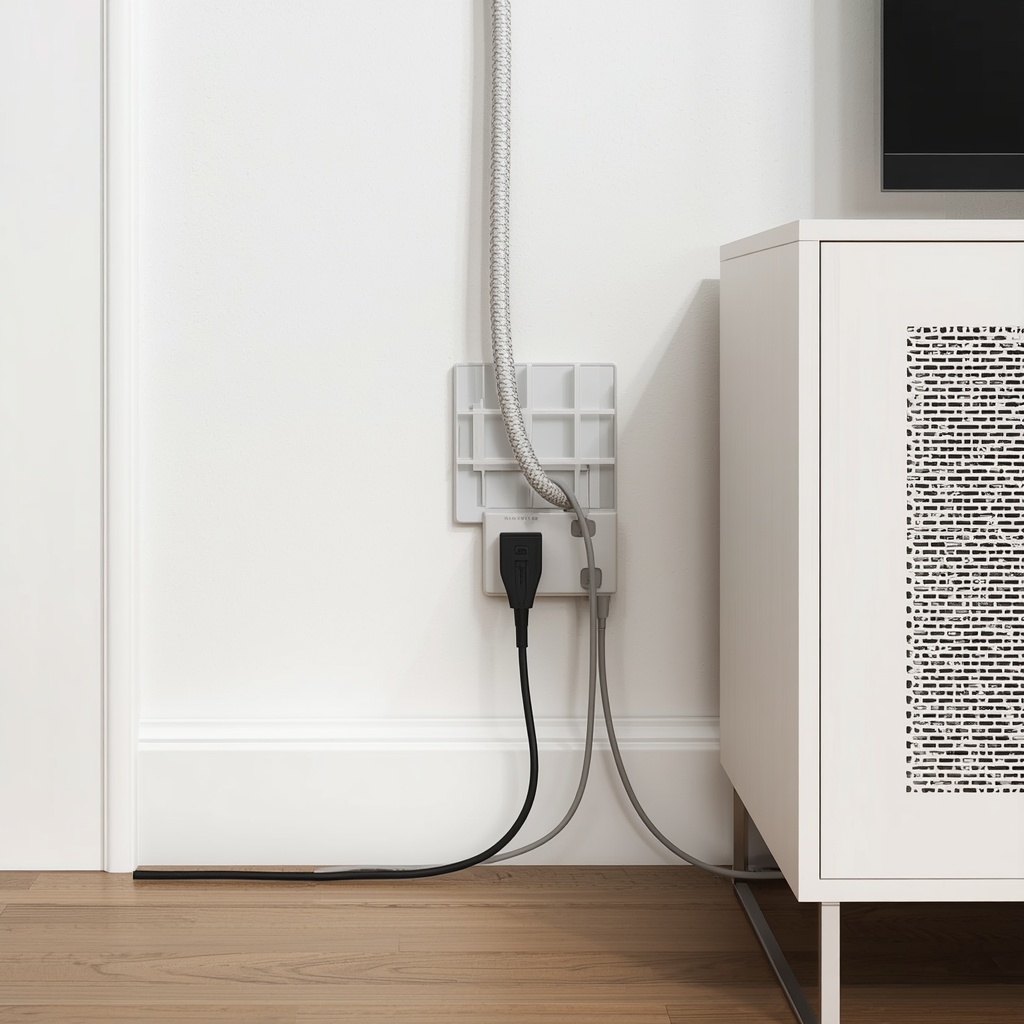
If drilling into drywall isn’t an option (renters, take note), paintable cord raceways are the next best thing. These slim plastic channels mount flush against the wall and can be painted to match your wall color, making cables nearly invisible from a few feet away.
| Method | Best For | Approx. Cost | Difficulty |
|---|---|---|---|
| In-wall cable kit | Homeowners, wall-mounted TVs | $20–$50 | Moderate (DIY-friendly) |
| Paintable raceway | Renters, textured walls | $15–$30 | Easy |
| Cord sleeve/zipper wrap | Bundling multiple cords together | $10–$20 | Very easy |
| Cable-management TV stand | Freestanding TV setups | $150–$400 | Easy |
| Furniture with hidden channels | Full media console styling | $300–$1,200 | Easy |
A media console with a built-in cable management system is one of the simplest upgrades you can make. Look for consoles with a rear cutout panel or grommet holes that let cords pass through discreetly, keeping your streaming devices and game consoles tucked inside closed cabinets.
Disguising Routers, Modems, and Smart Home Hubs
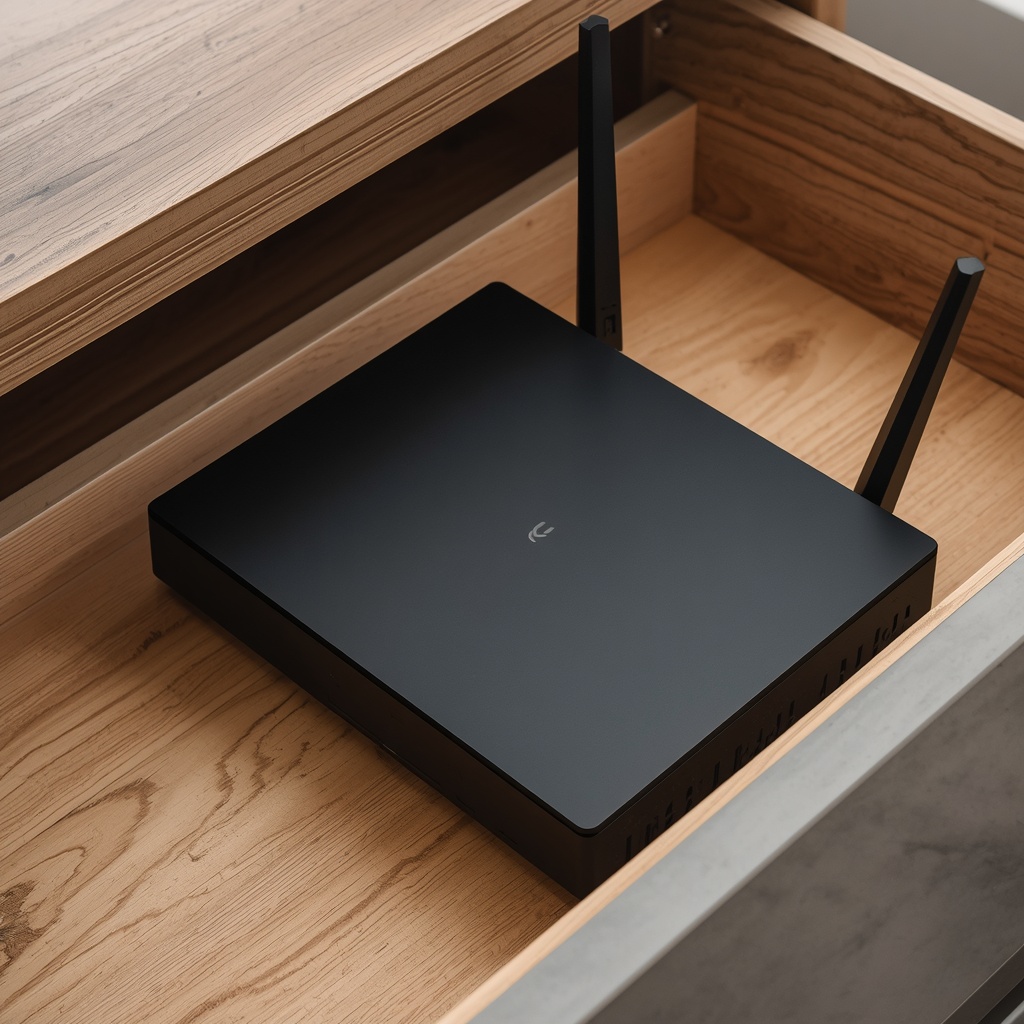
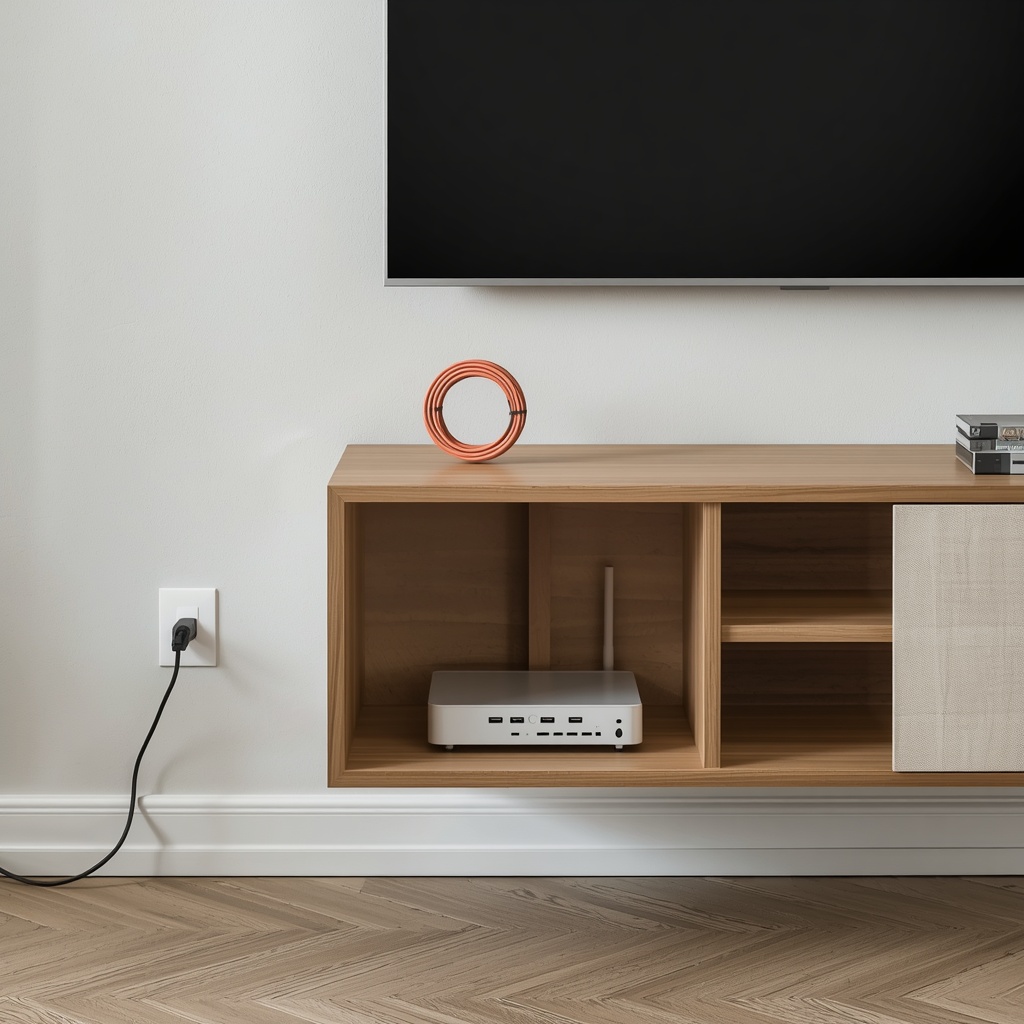
Routers are notoriously ugly, but they need airflow and open space to function properly, which means you can’t just shove them into a sealed drawer. The trick is ventilated concealment.
Ideas That Work
- Decorative router boxes with slotted vents, sold specifically to disguise Wi-Fi equipment
- Repurposed vintage crates or lidded baskets with the back cut open for airflow and cord access
- A dedicated “tech shelf” inside a closet, styled with a small decorative object to blend in visually
- Behind a large houseplant placed on a stand, which softens the router’s hard edges without blocking signal
- Inside a media console with vented doors, keeping it close to your other electronics
Pro Tip: Never place your router inside a fully enclosed, non-ventilated cabinet. Overheating can slow your Wi-Fi speed or shorten the device’s lifespan. Always choose slotted, vented, or partially open storage.
Furniture That Hides Technology by Design
Smart furniture selection is one of the most underrated tools in a designer’s toolkit. Instead of adding cord covers after the fact, choose pieces built to conceal tech from day one.

Ottomans with hidden storage compartments are perfect for tucking away power strips and chargers near a couch, while still functioning as a footrest or extra seating. Console tables with built-in cable trays keep entryway chargers and lamp cords out of sight without sacrificing style.
Look for nightstands with a small cutout at the back panel, allowing phone chargers and lamp cords to pass through invisibly. Media cabinets with cord grommets, sliding doors, or fabric-mesh panels (which hide clutter while still allowing remote signals through) are especially useful for streaming boxes and gaming consoles.
Creative Room-by-Room Solutions
Different rooms come with different tech challenges, so it helps to think through each space individually rather than applying a single fix everywhere.
Living Room
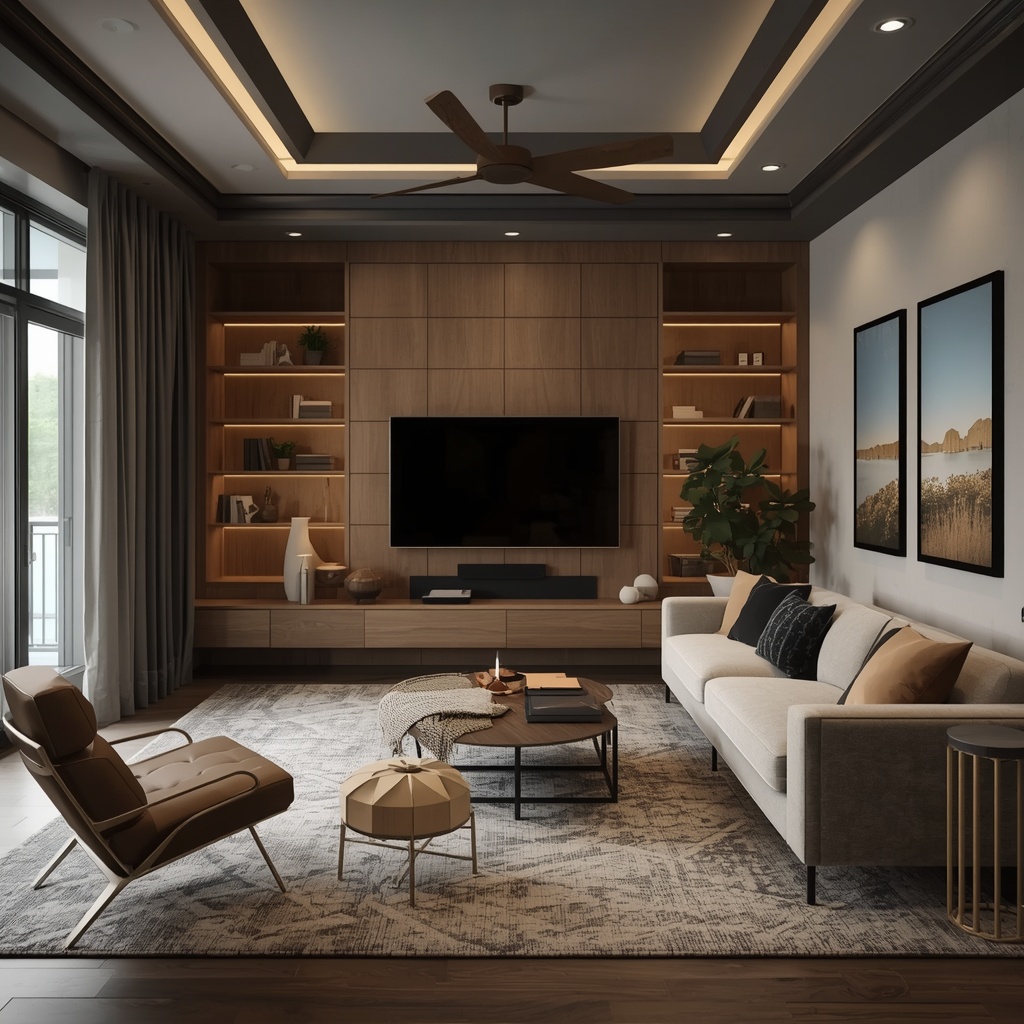
- Mount the TV and route cords through the wall or a paintable raceway
- Use a media console with closed cabinet doors for consoles and streaming boxes
- Bundle speaker wire with cord sleeves that match your rug or flooring color
Bedroom
- Choose a nightstand with a built-in charging drawer
- Use a cord clip under the desk or nightstand to keep phone chargers from dangling
- Hide a smart speaker inside a decorative basket with an open weave for sound clarity
Home Office
- Install a cable tray underneath the desk to bundle monitor, printer, and charger cords
- Use a vertical cord organizer to route wires from desktop to outlet along a table leg
- Add a small cord box for the power strip itself, keeping multiple plugs contained
Kitchen
- Use adhesive cord clips along the underside of cabinets for small appliance cords
- Store chargers and smart hub cords inside a charging station drawer
- Keep the coffee maker and toaster cords short and coiled with a cord keeper
Paint, Wallpaper, and Camouflage Tricks
Sometimes the fastest fix isn’t storage at all — it’s camouflage. Painting cord covers and raceways the exact color of your wall makes them nearly disappear at a glance, which is especially effective in hallways and behind sofas.

Peel-and-stick wallpaper is another designer favorite for disguising a visible cord track or an awkward wall-mounted panel; simply apply the same pattern over a cord cover to blend it into a busy accent wall. For black cords against light walls, a simple cord wrap in a neutral tone instantly reduces visual contrast.
Budget-Friendly DIY Cable Management Ideas
You don’t need a full renovation to tackle cable clutter. Many of the most effective fixes cost less than $25 and take under an hour to complete.
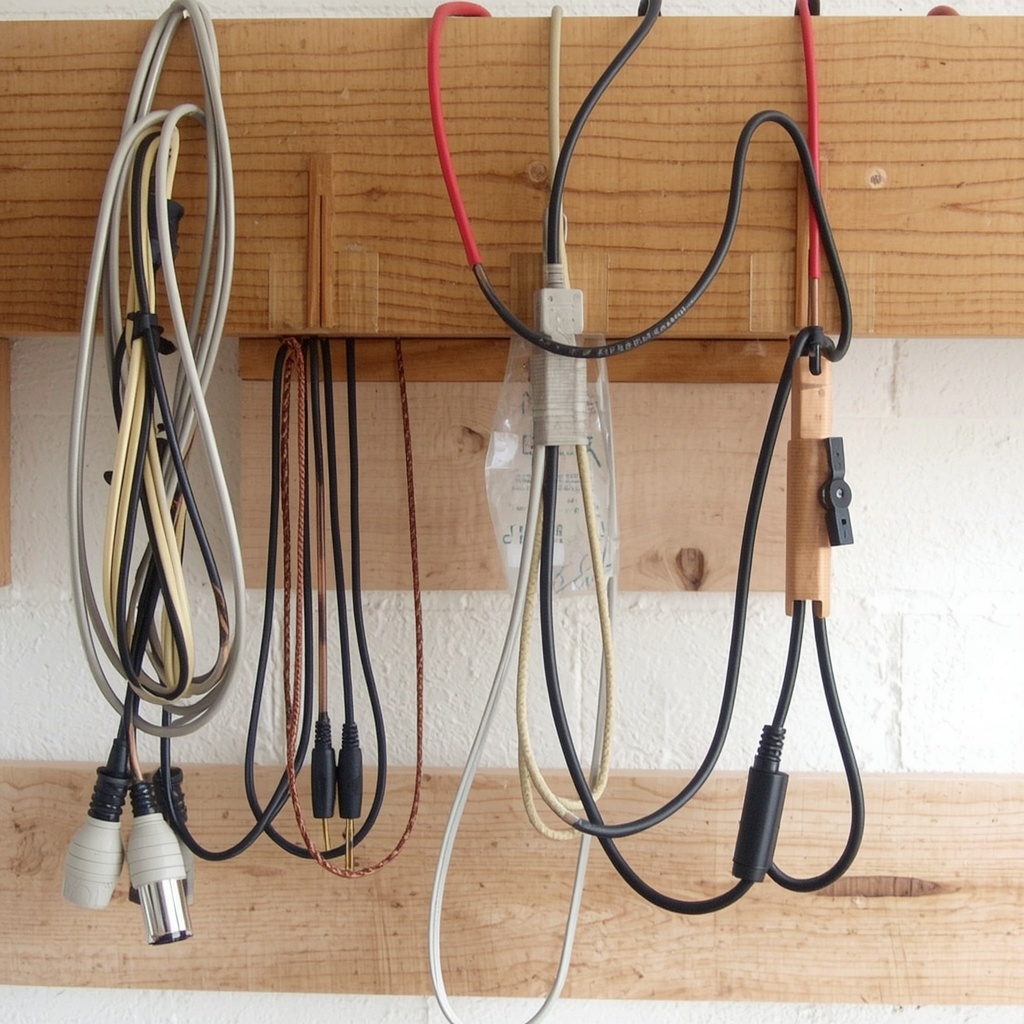
- Use binder clips to keep charging cords from sliding behind a desk or nightstand
- Repurpose a shoebox with drilled holes as a hidden power-strip station
- Label cords with washi tape so you can identify and manage them without unplugging everything
- Use zip ties or Velcro straps to bundle loose cords into one manageable strand
- Mount a small floating shelf above an outlet to hide a router or smart hub in plain sight
Pro Tip: Color-code your cords with small tags or colored electrical tape. It saves time when troubleshooting and prevents you from unplugging the wrong device during cleaning.
Frequently Asked Questions
What is the best way to hide TV cables without cutting into the wall? A paintable cord raceway or a cable-management TV stand are the best renter-friendly options, since neither requires permanent changes to your walls.
Can hiding a router inside furniture weaken the Wi-Fi signal? Yes, if the enclosure is solid on all sides. Always use vented, slotted, or open-back storage to maintain signal strength and airflow.
How do I hide cords on a floating TV wall without a media console? An in-wall cable kit is ideal here, allowing you to route the power cord and HDMI cables straight down into a hidden outlet behind the wall.
What’s a quick fix for a messy desk with too many cords? An under-desk cable tray combined with zip ties can consolidate cords into one bundle, instantly cleaning up the visual clutter.
Final Thoughts on Hiding Home Tech and Cables
Creating a beautifully designed home doesn’t mean giving up your smart devices, streaming setup, or home office tech — it just means being intentional about how that technology is stored and concealed. Start with a simple audit of your cords, invest in a few key furniture pieces with built-in cable management, and use inexpensive tools like raceways, clips, and vented boxes to handle the rest.
Small changes, like painting a cord cover to match your wall or tucking your router into a decorative vented box, add up to a home that feels calm, cohesive, and clutter-free. The goal isn’t to hide the fact that you live in a connected home — it’s to make sure your design speaks louder than your devices.
For more inspiration, the Consumer Technology Association offers useful guidance on smart home setup, and organizations like The Spruce regularly publish home organization ideas that pair well with these cable management strategies.